A More Personal Home
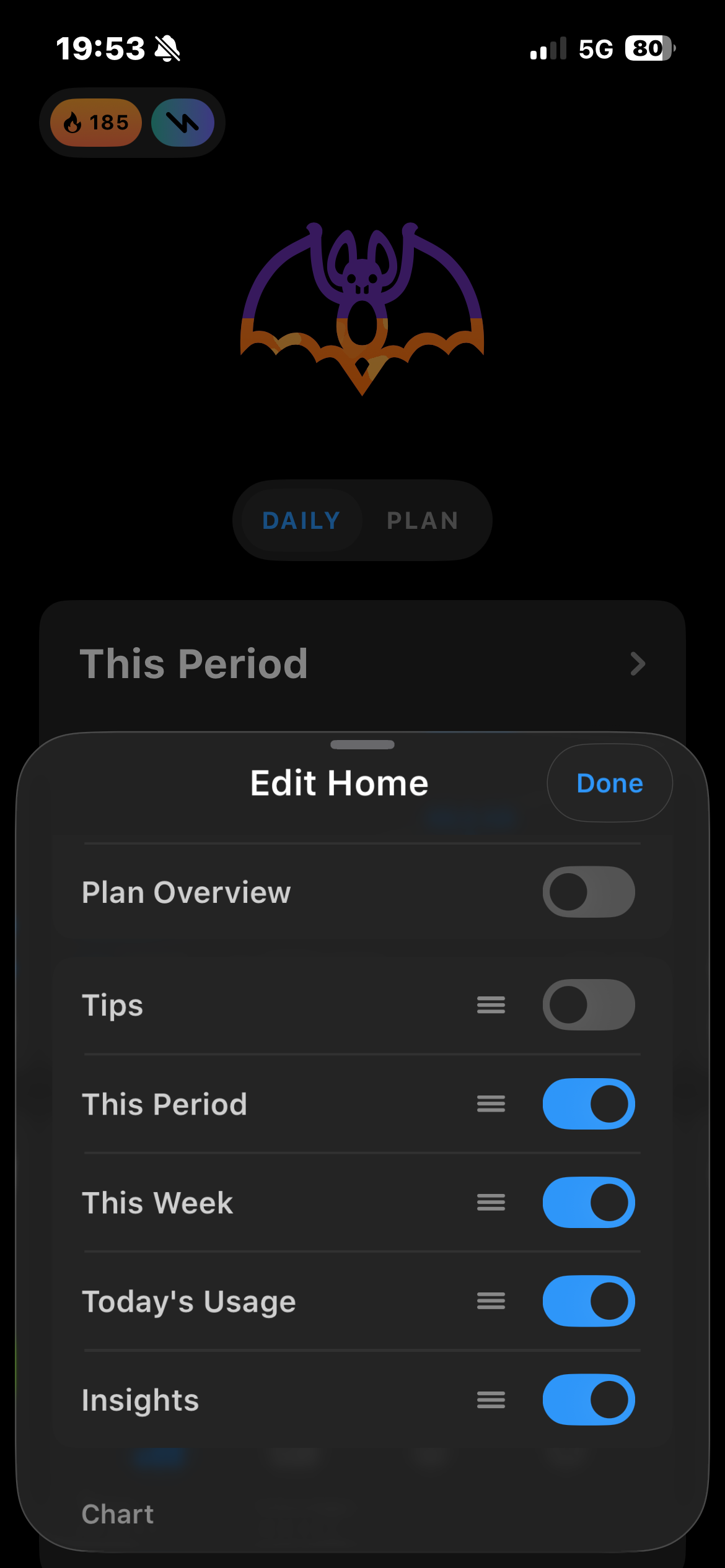
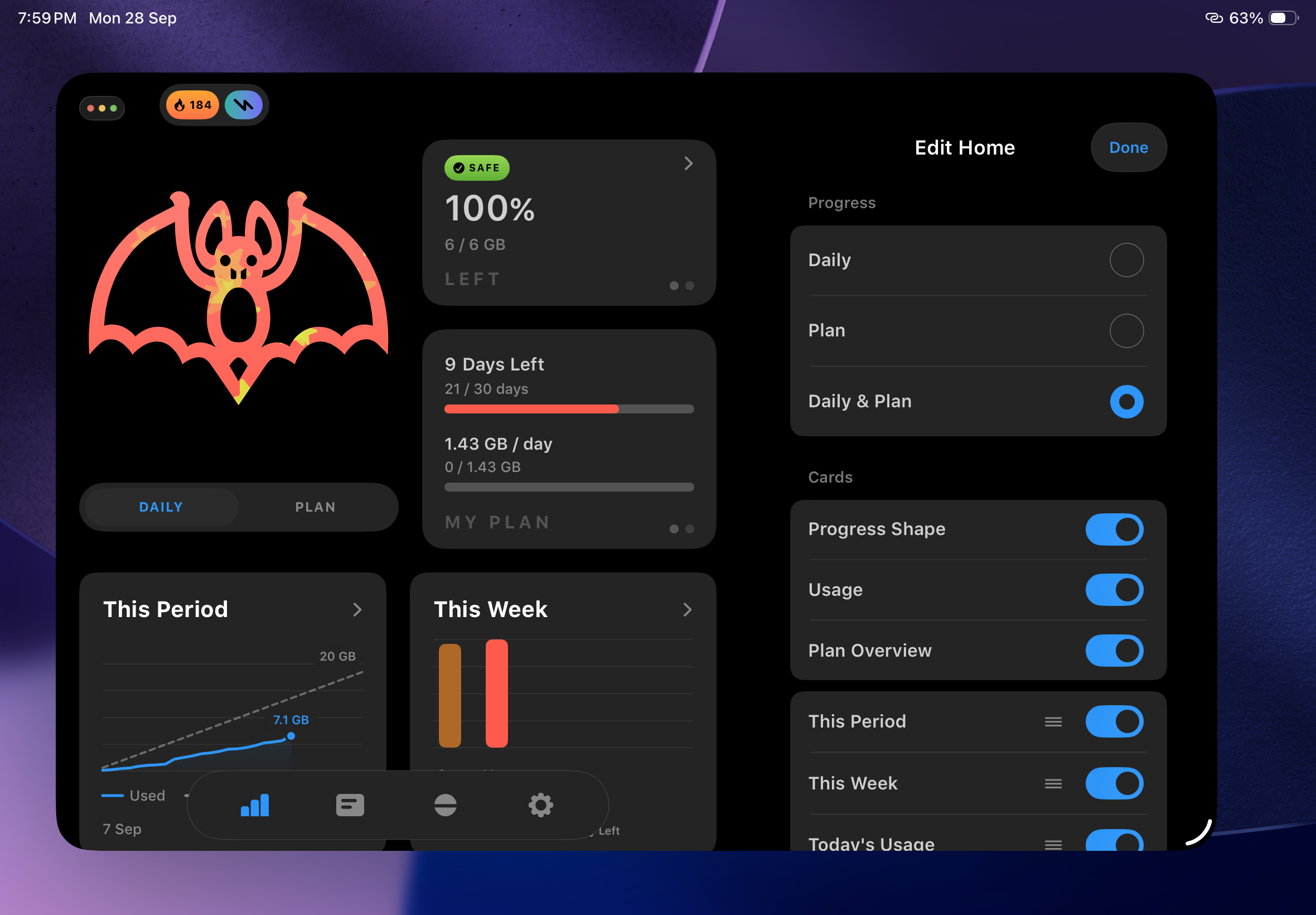
- Customize Home:
Add, remove, and reorder cards, then choose how your progress is shown. - New Usage Cards:
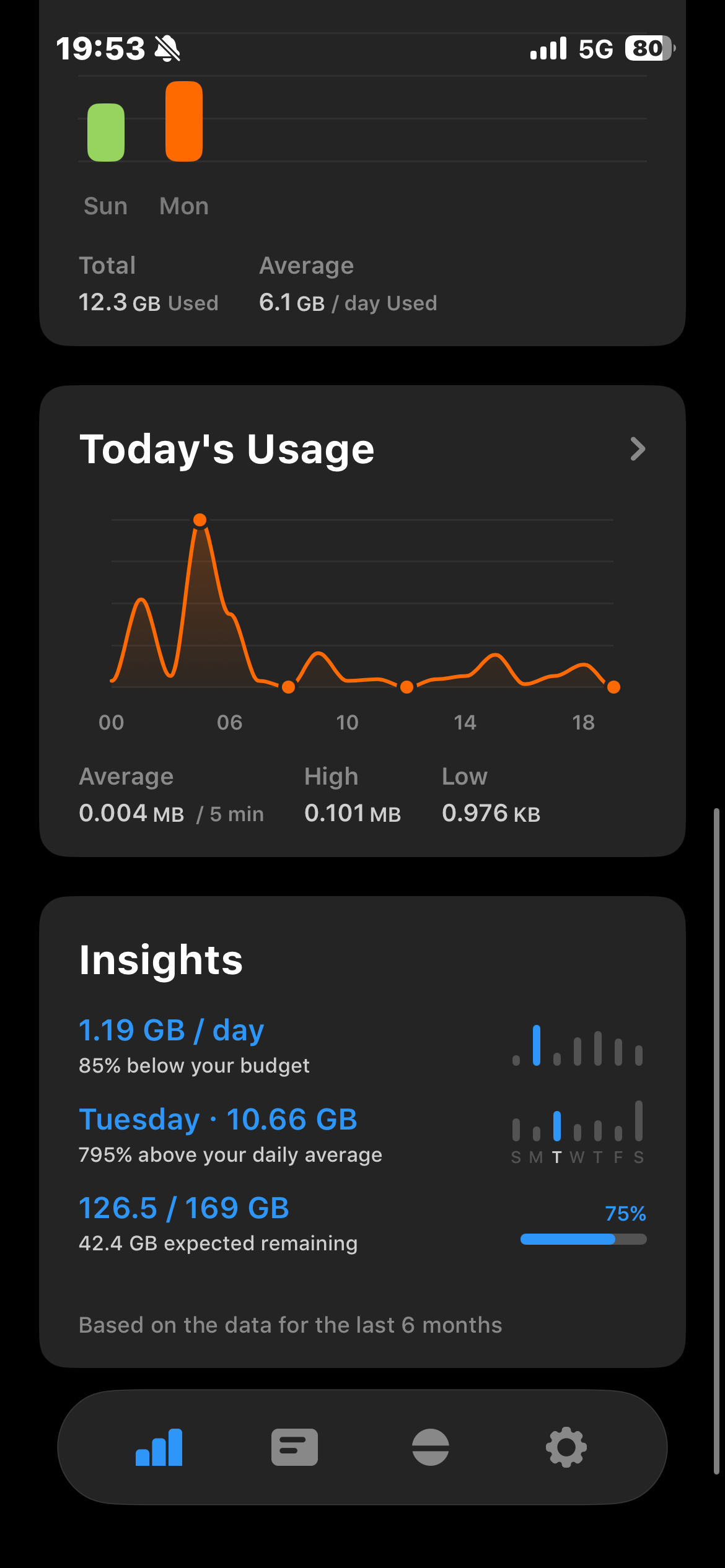
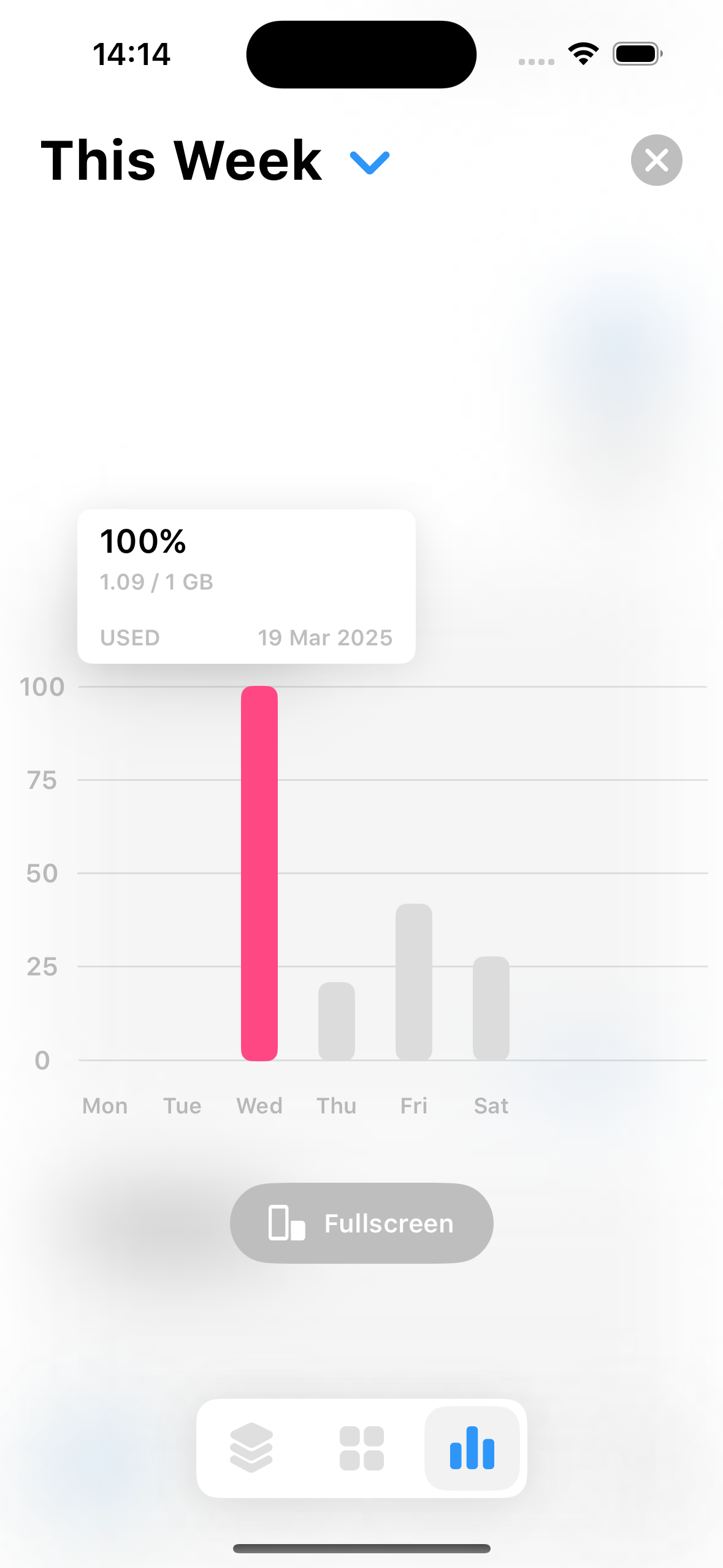
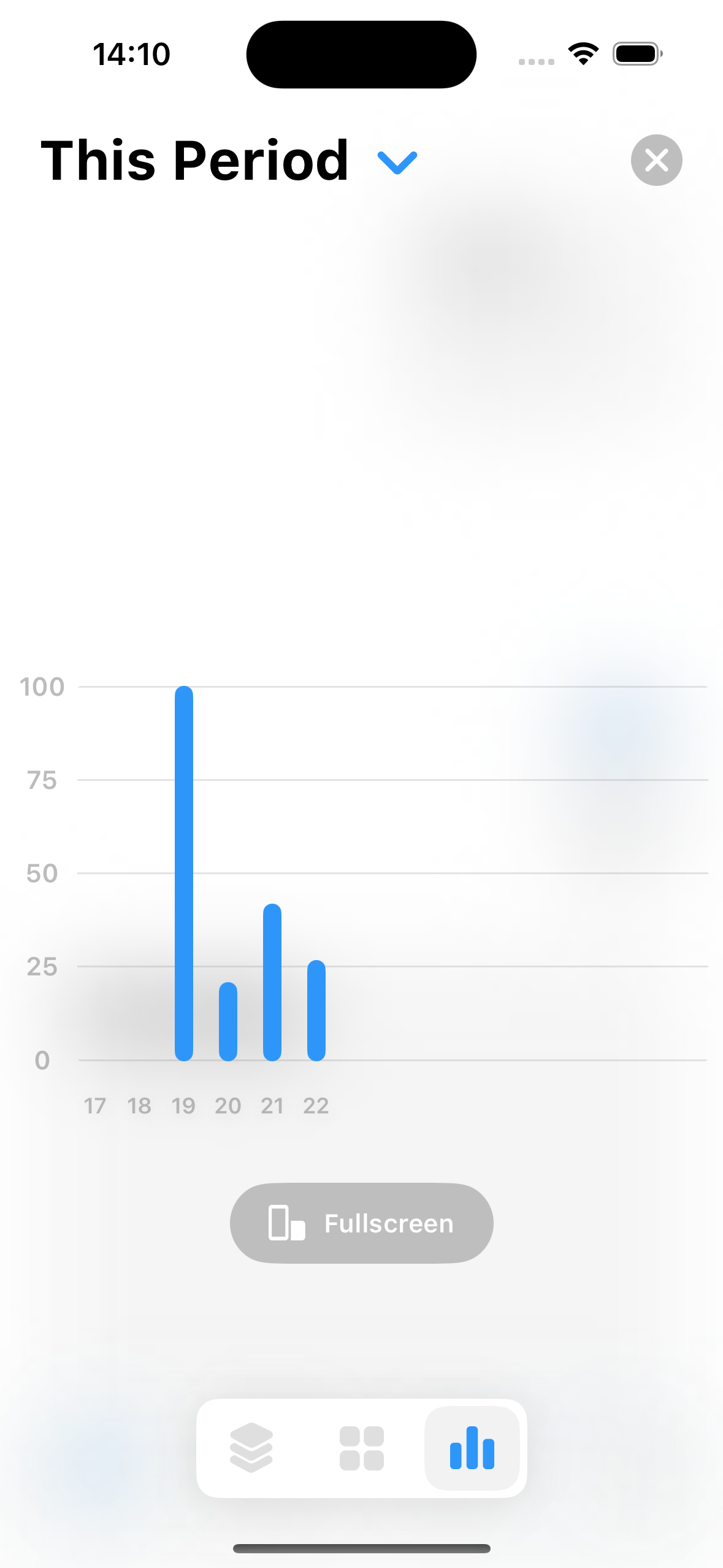
See Today's Usage, This Week, and This Period with clear charts and key figures at a glance. - Interactive Charts:
Tap or scroll Home and History charts to explore each day's usage. - Improved Layouts:
Enjoy a smoother Home experience across iPhone and iPad, including landscape. - Polish & Reliability:
First-launch setup, charts, plan switching, and app icons have been refined.
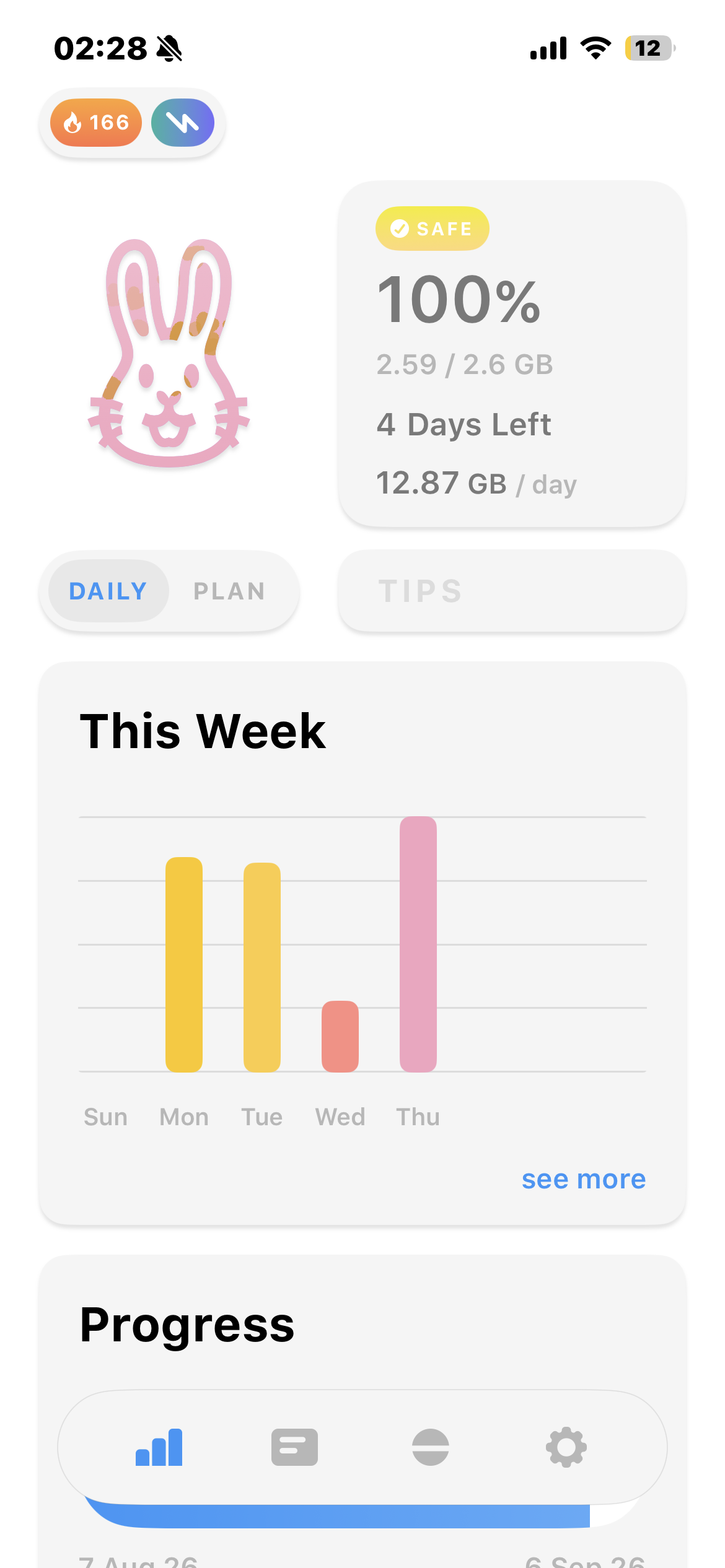
Daily Budget & a Refreshed Home
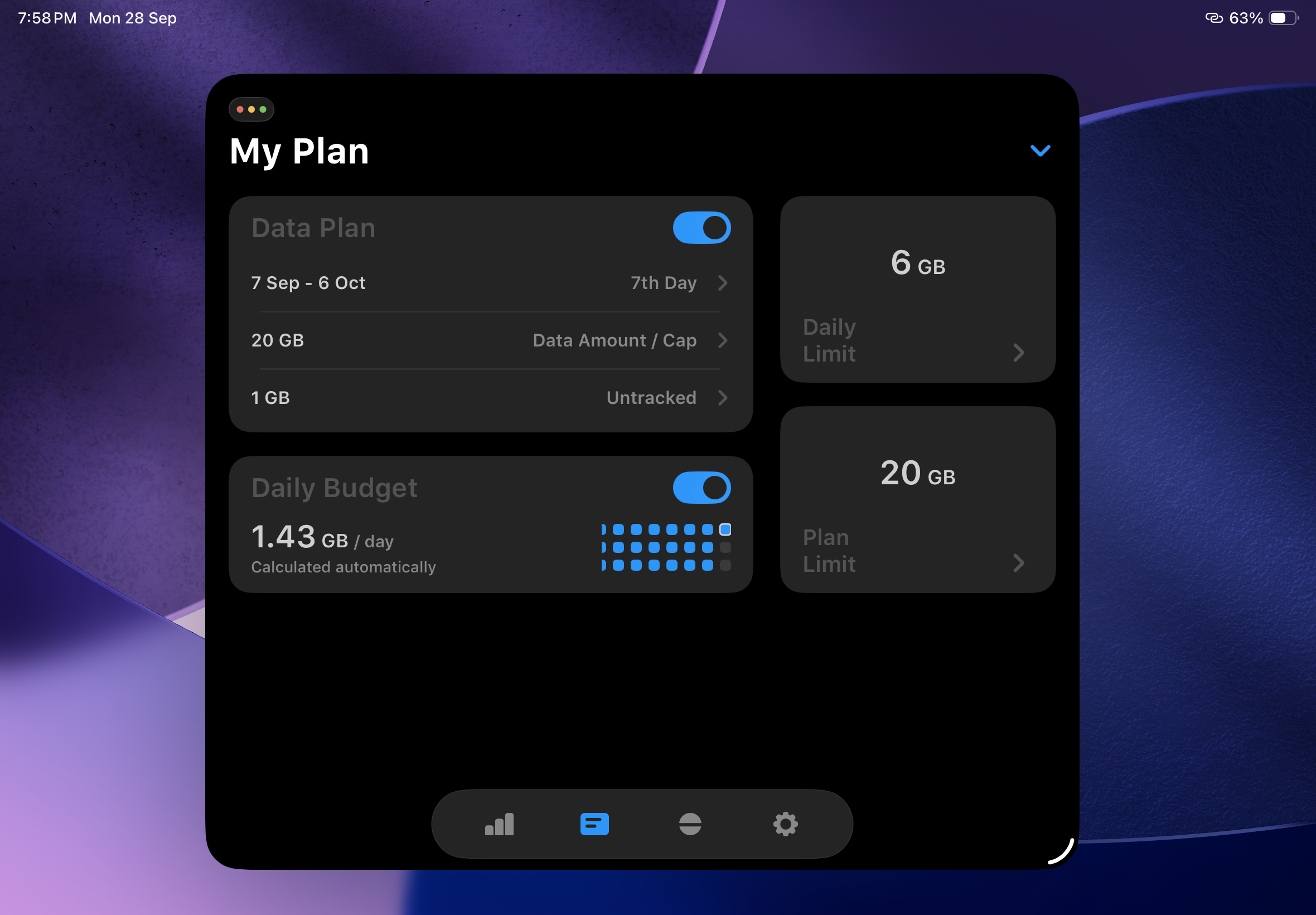
- Automatic Daily Budget:
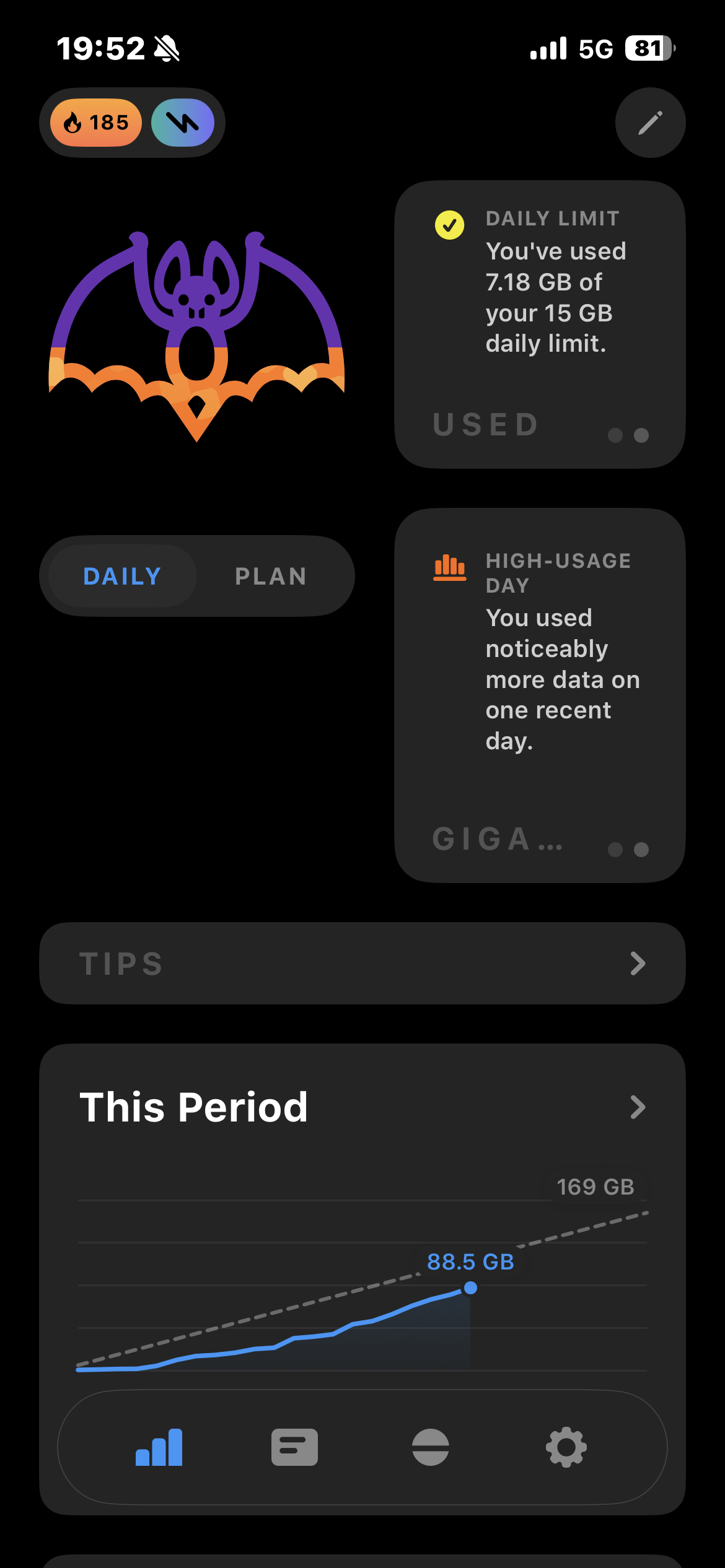
See a suggested daily amount based on your remaining plan data and days left. - A Clearer Home View:
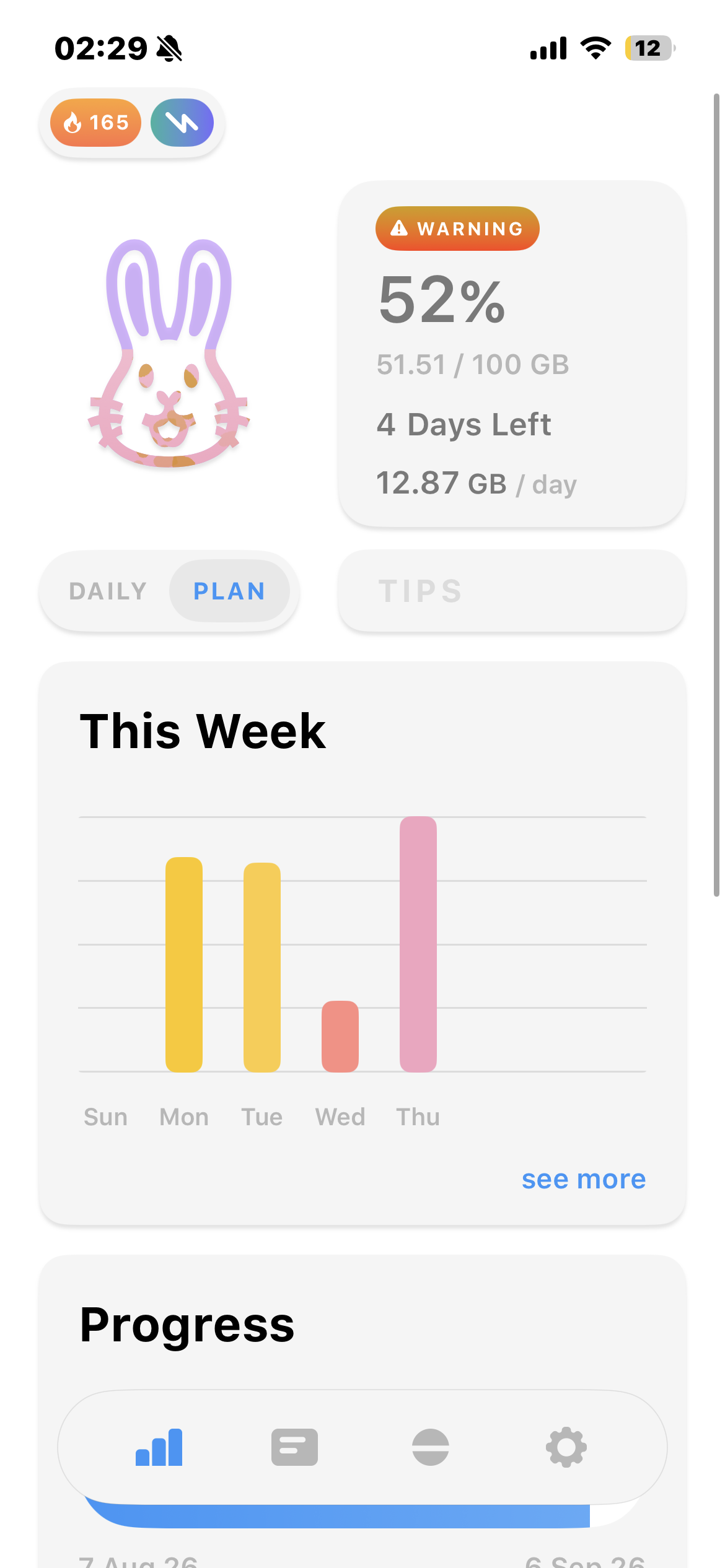
Check days left, daily budget, weekly usage, and plan progress in a cleaner, more compact layout. - Daily and Plan Views:
Switch between daily and plan usage with a tap or horizontal swipe. - Reliability & Layout Improvements:
Plan changes, period rollovers, and tips are now more reliable and polished.
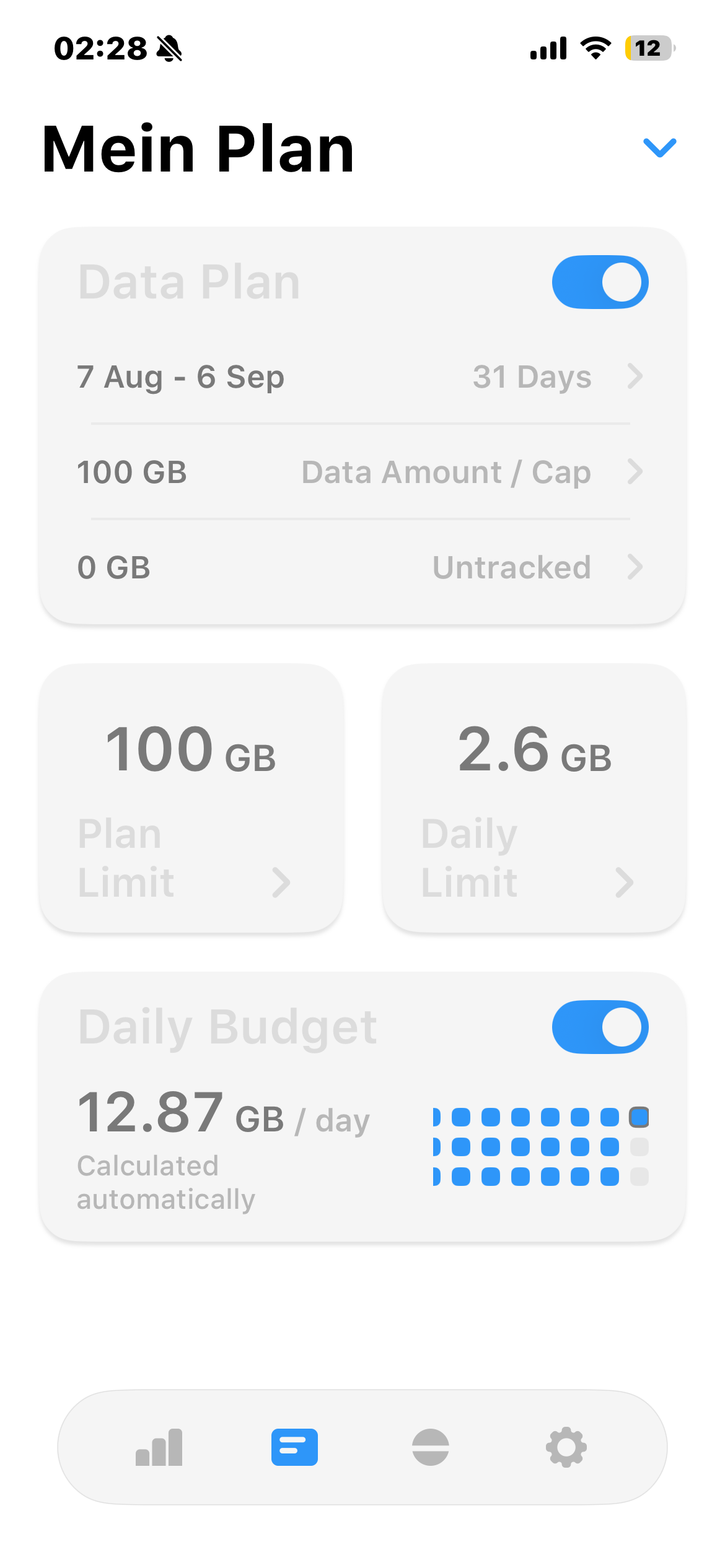
Multiple Plans, Easier Management
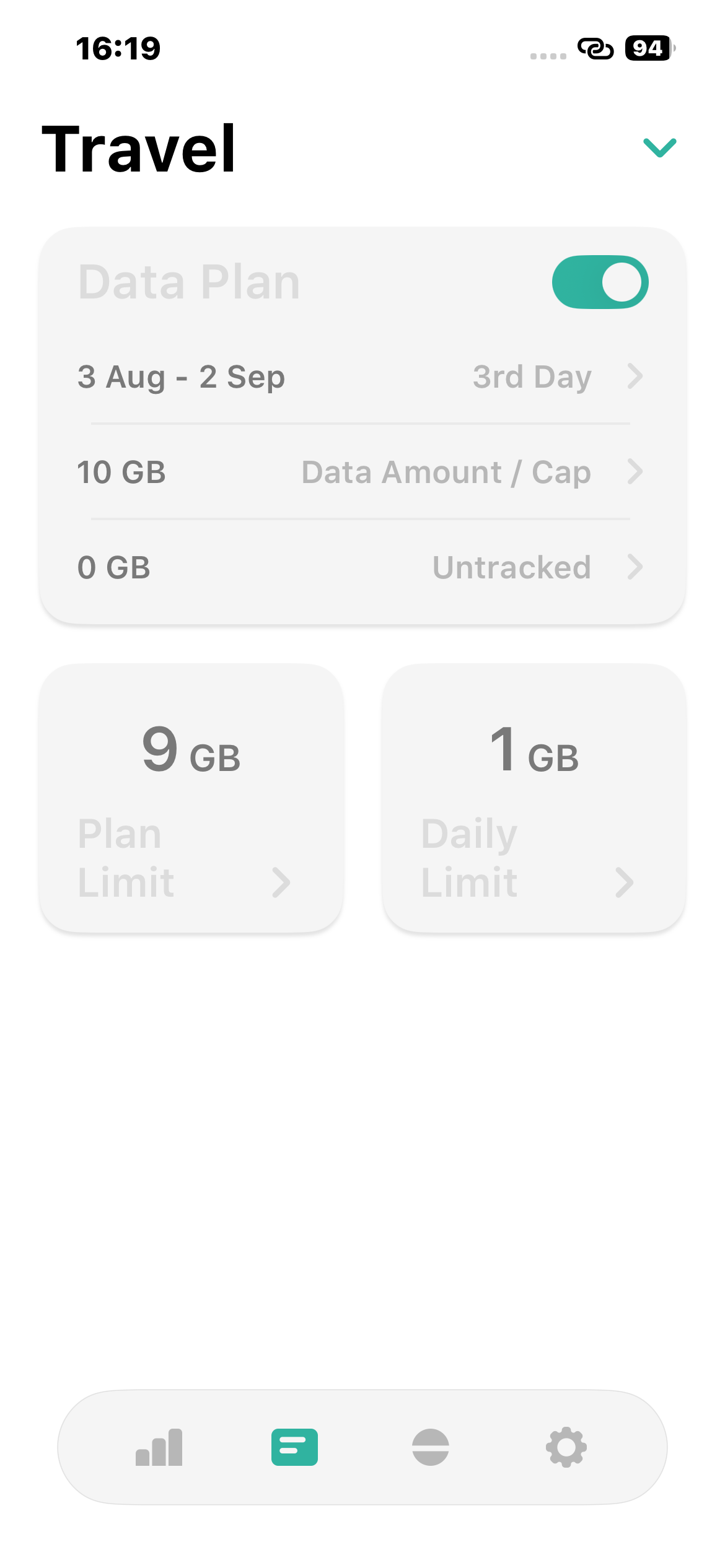
- Multiple Data Plans:
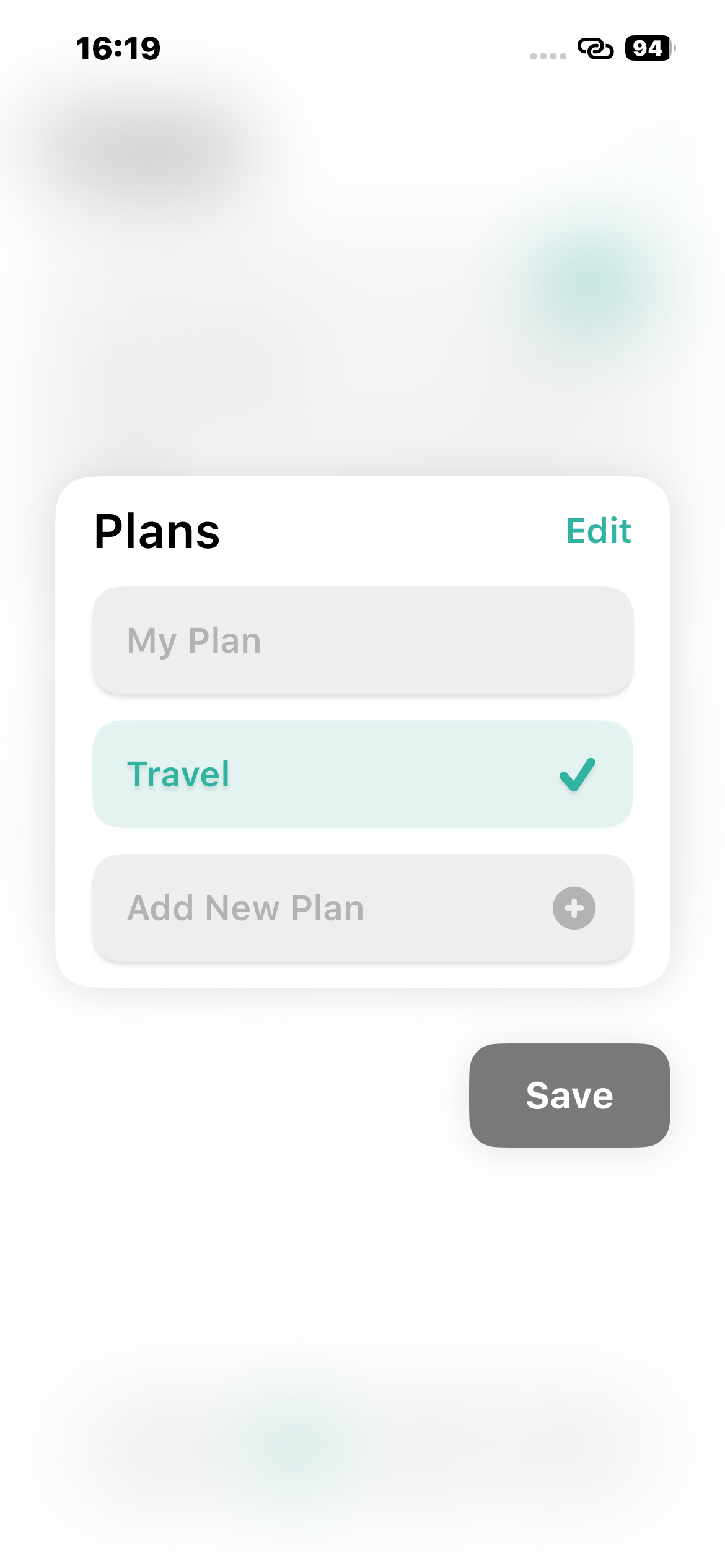
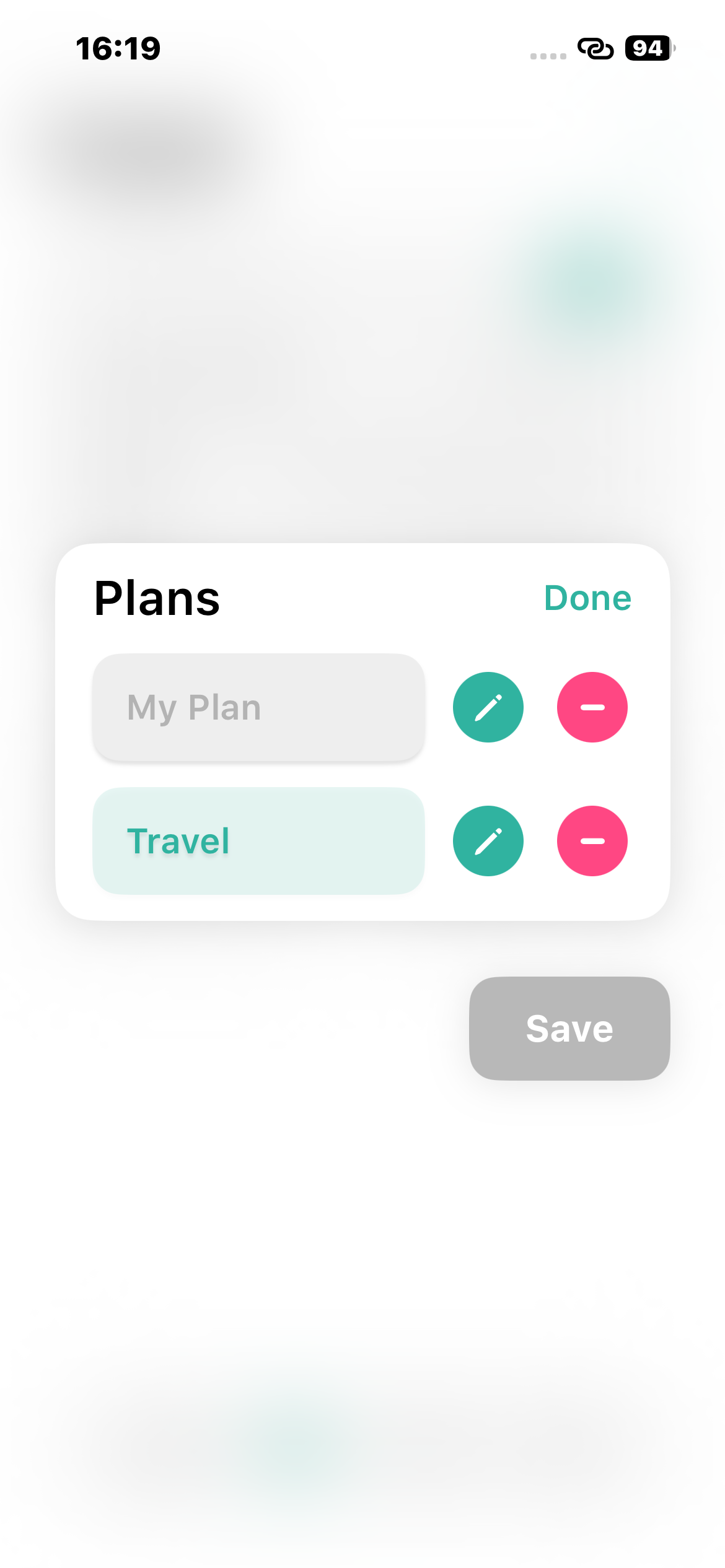
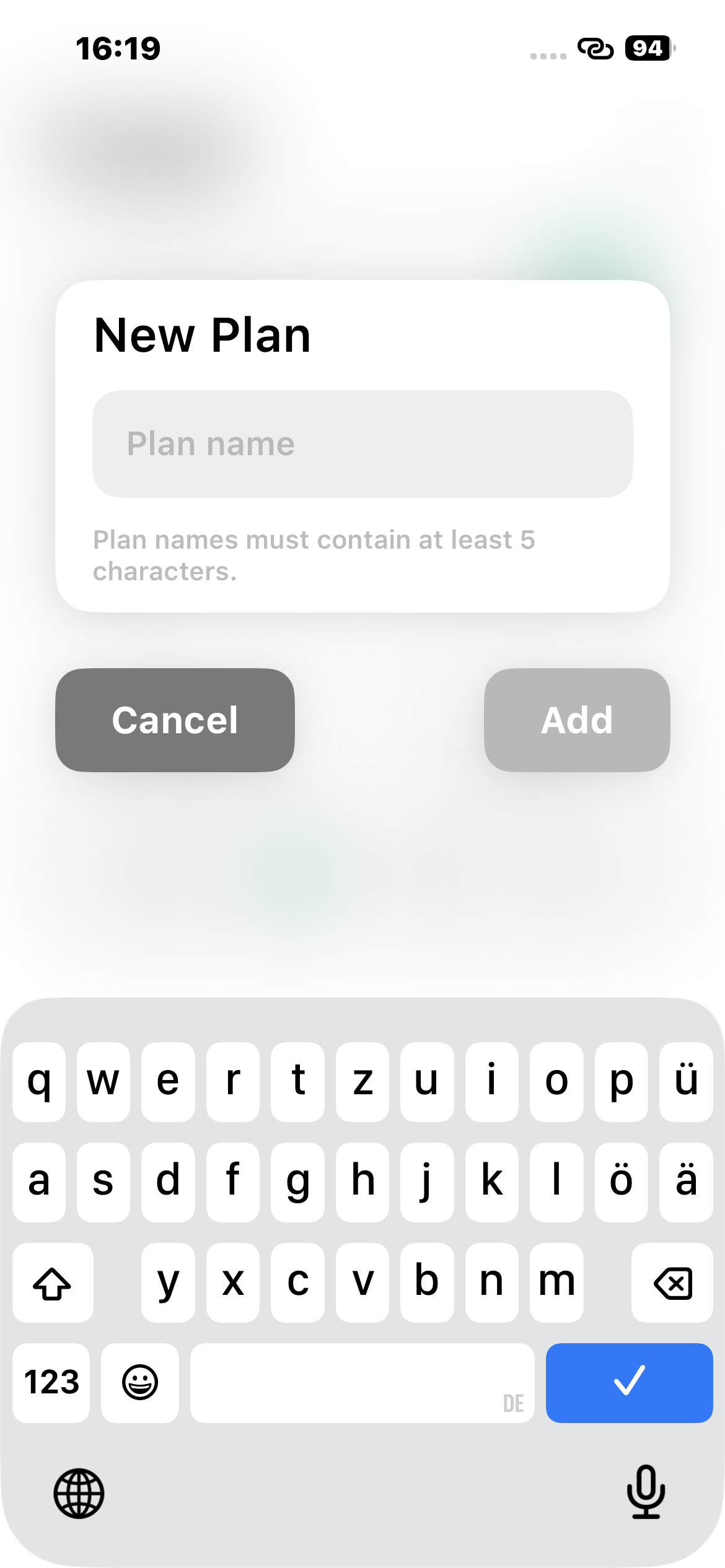
Create and name additional plans so different mobile services or billing arrangements can be tracked separately. Additional plans require Super Pill. - Quick Plan Switching:
Open the plan list from My Plan, see the active plan at a glance, and switch plans while keeping each plan's usage records separate. - Safer Plan Management:
Rename plans, delete plans with a confirmation, and automatically move to another remaining plan when the active plan is removed. - Reliability Improvements:
Plan-data migration, persistence, widget synchronization, and usage tracking have been updated to support multiple plans reliably.
More Personalization and Reliability
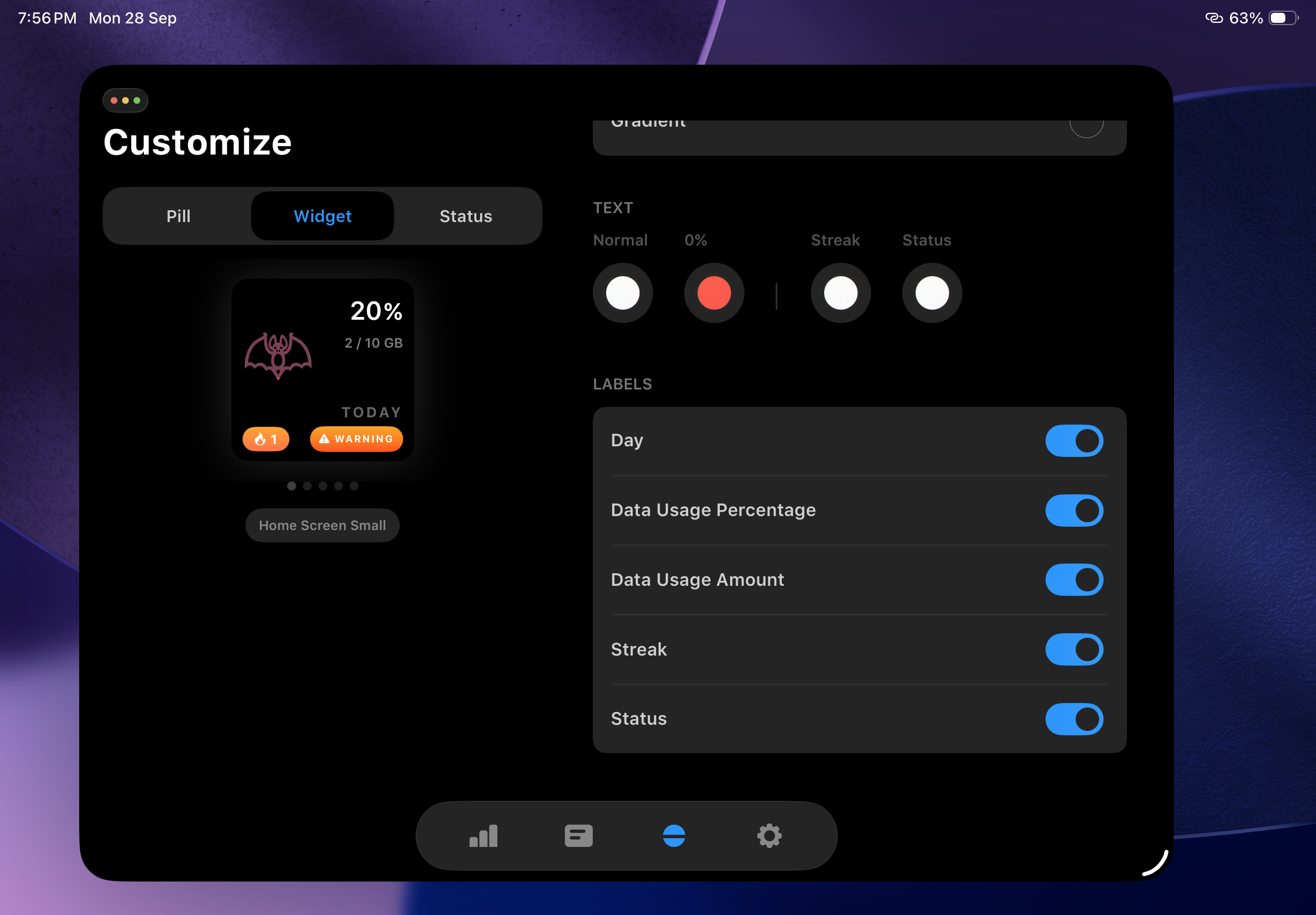
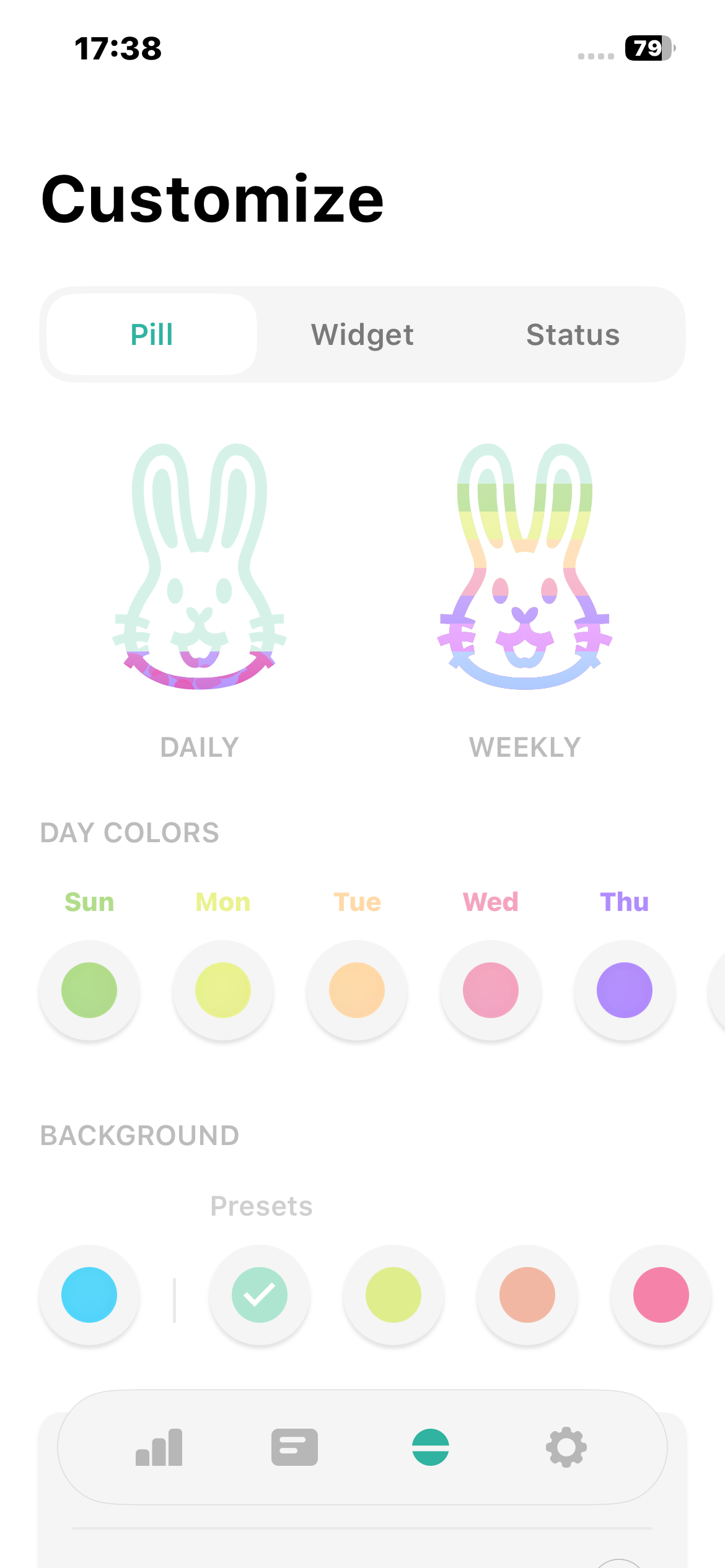
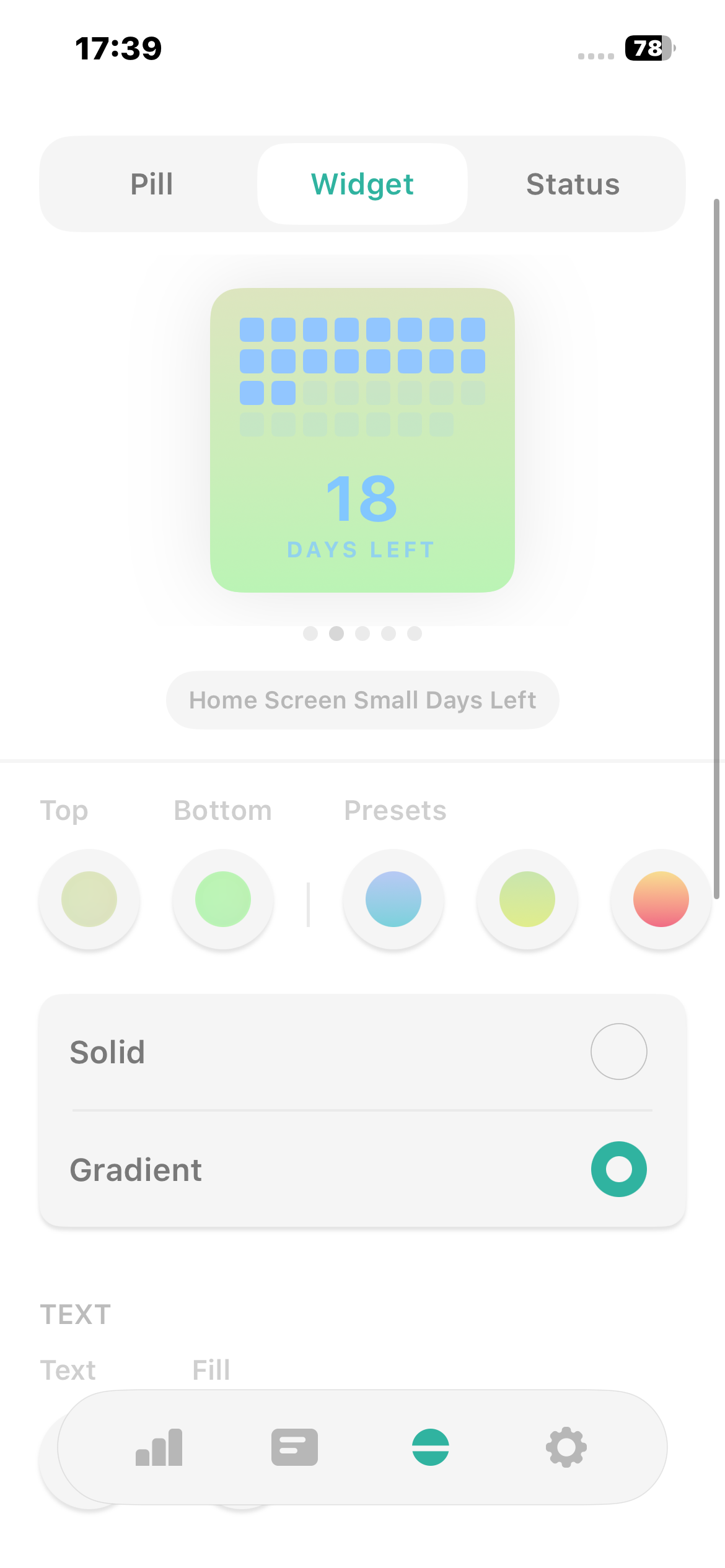
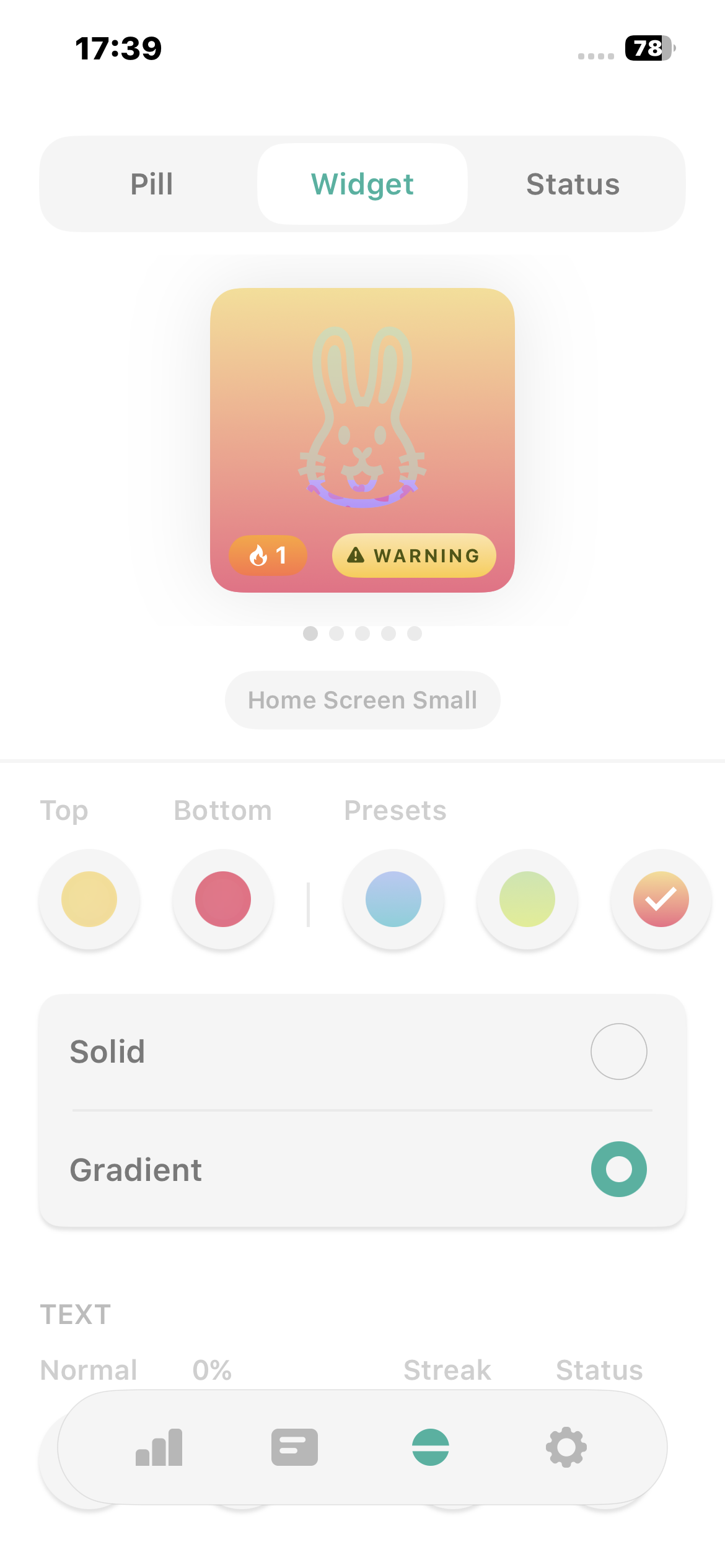
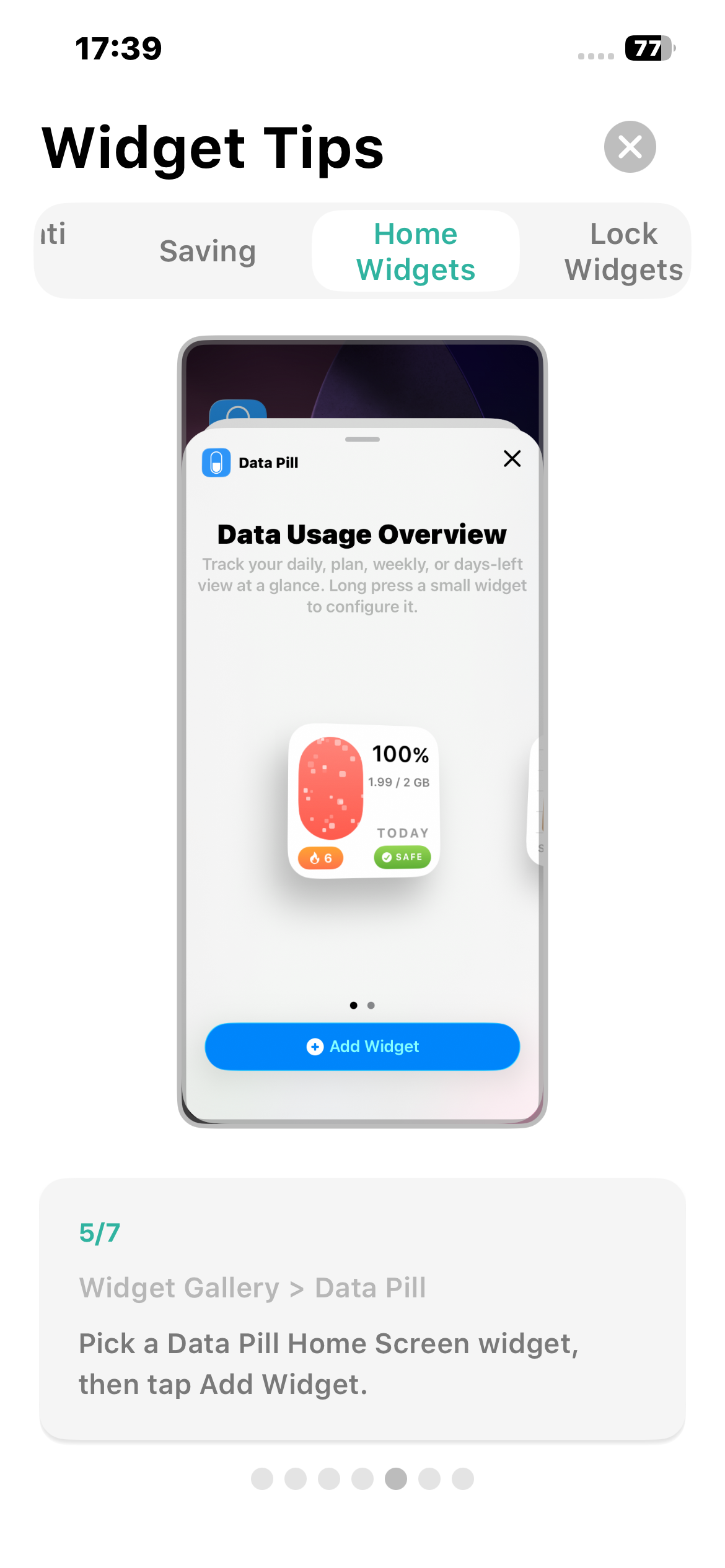
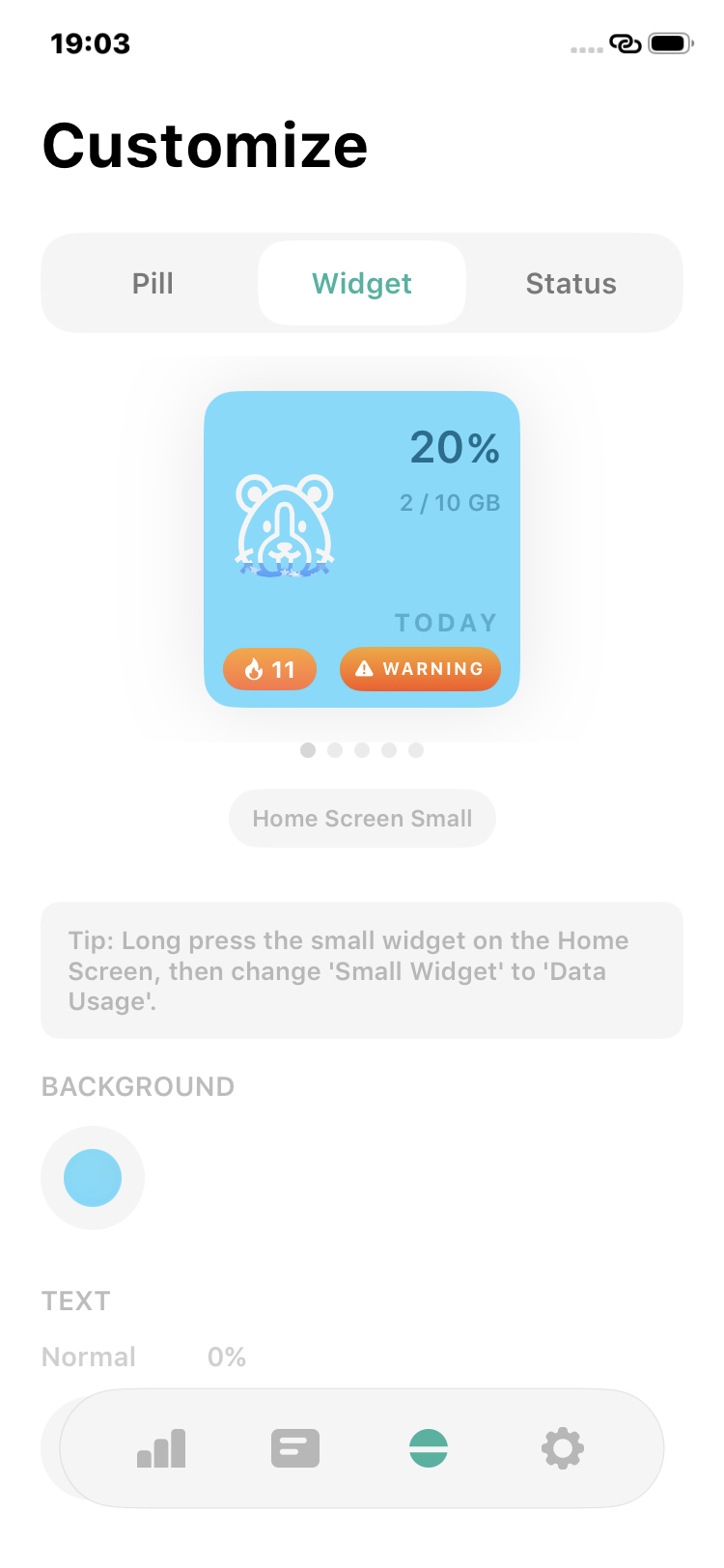
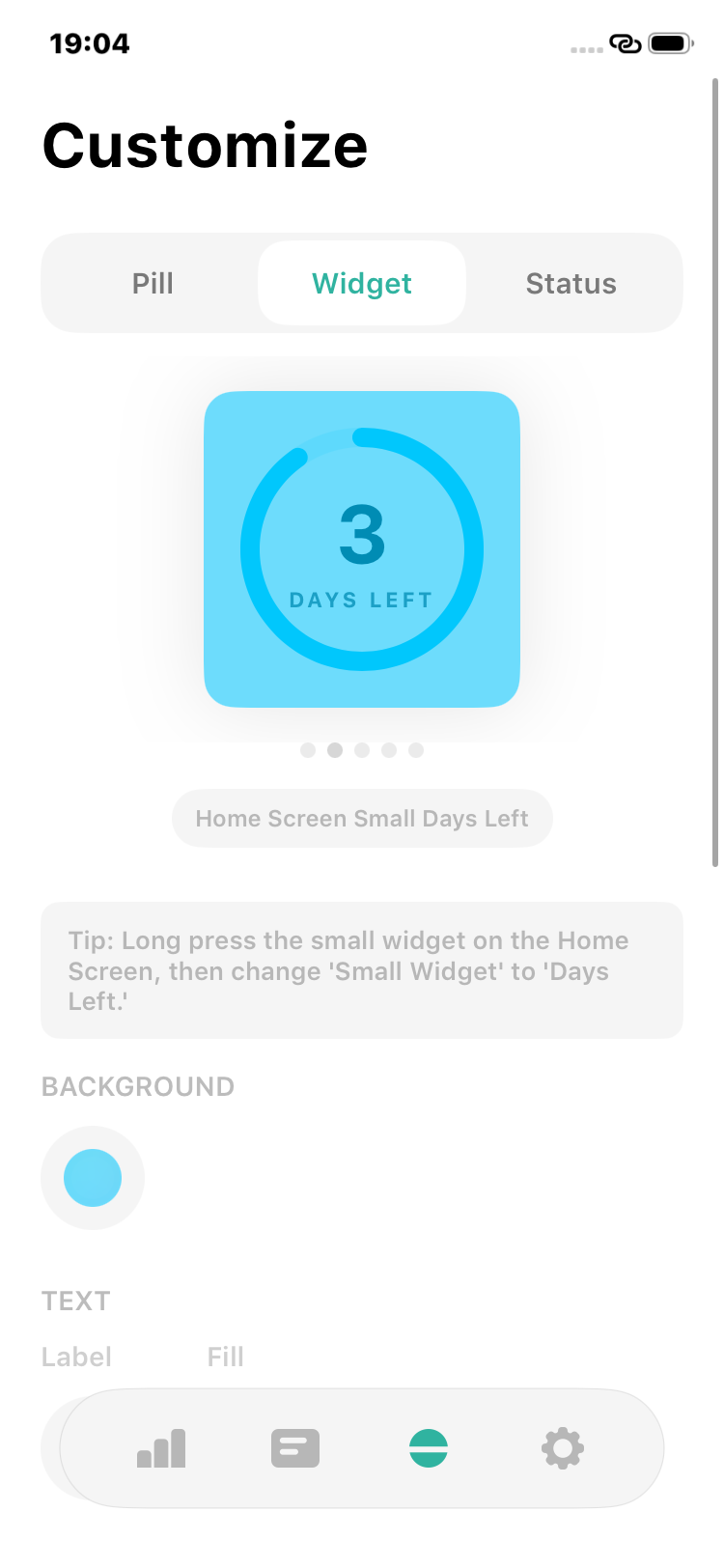
- More Widget Customization:
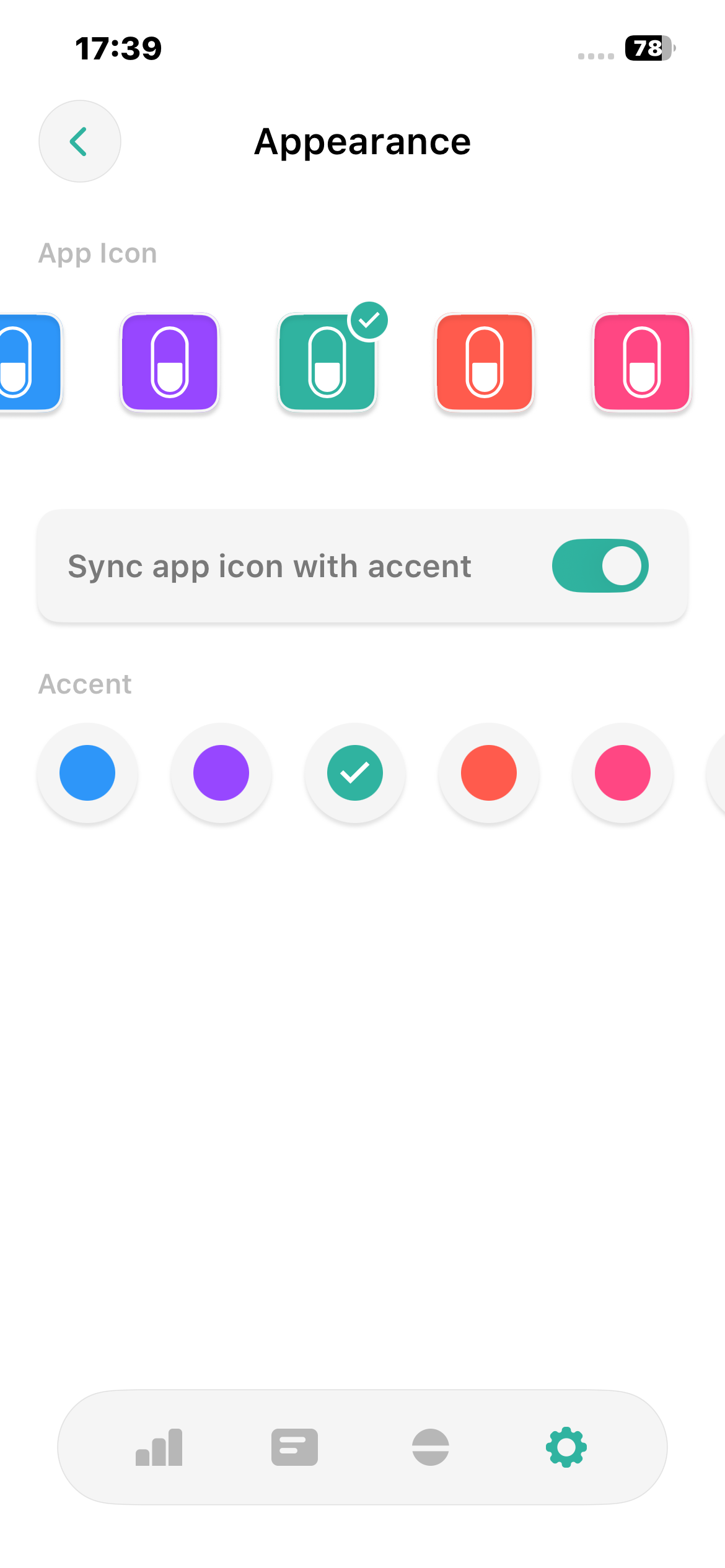
Customize small and medium widgets separately so each size fits your Home Screen. - Dynamic App Icons:
Let your app icon follow the selected accent color for a more consistent appearance. - Better Customization:
Enjoy clearer customization screens, improved previews, helpful tips, and expanded localization. - Reliability Improvements:
Widget updates and daily usage tracking include bug fixes and reliability improvements.
Streaks, Rewards & Dynamic Themes
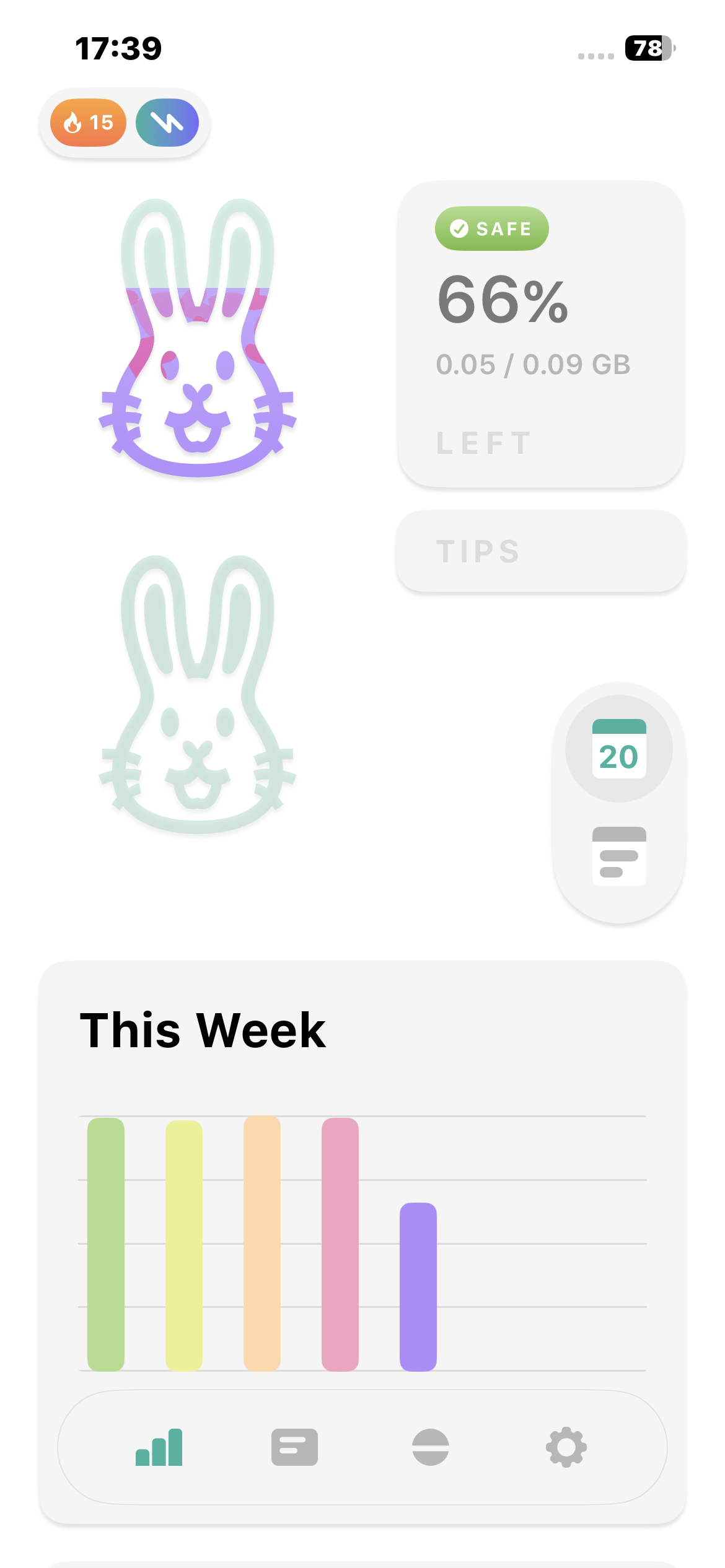
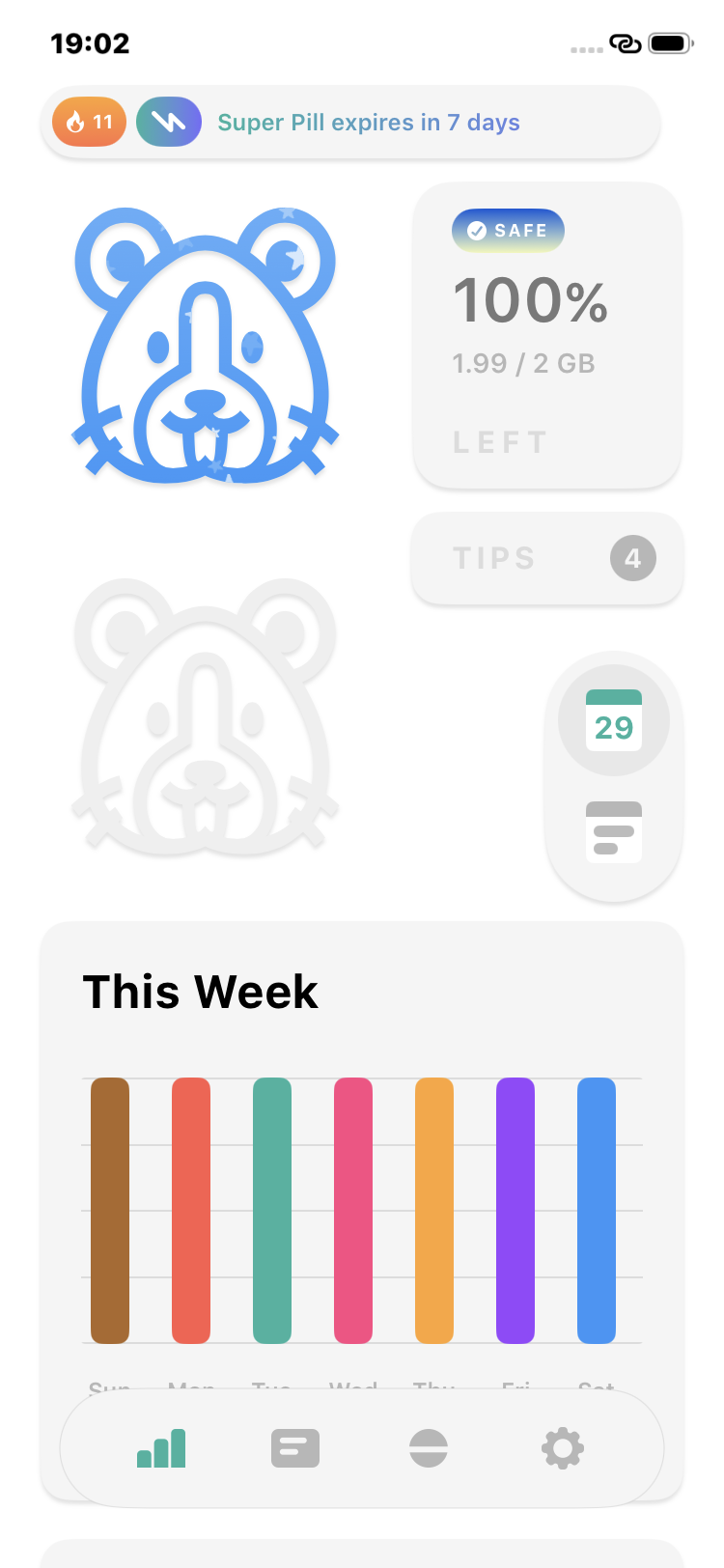
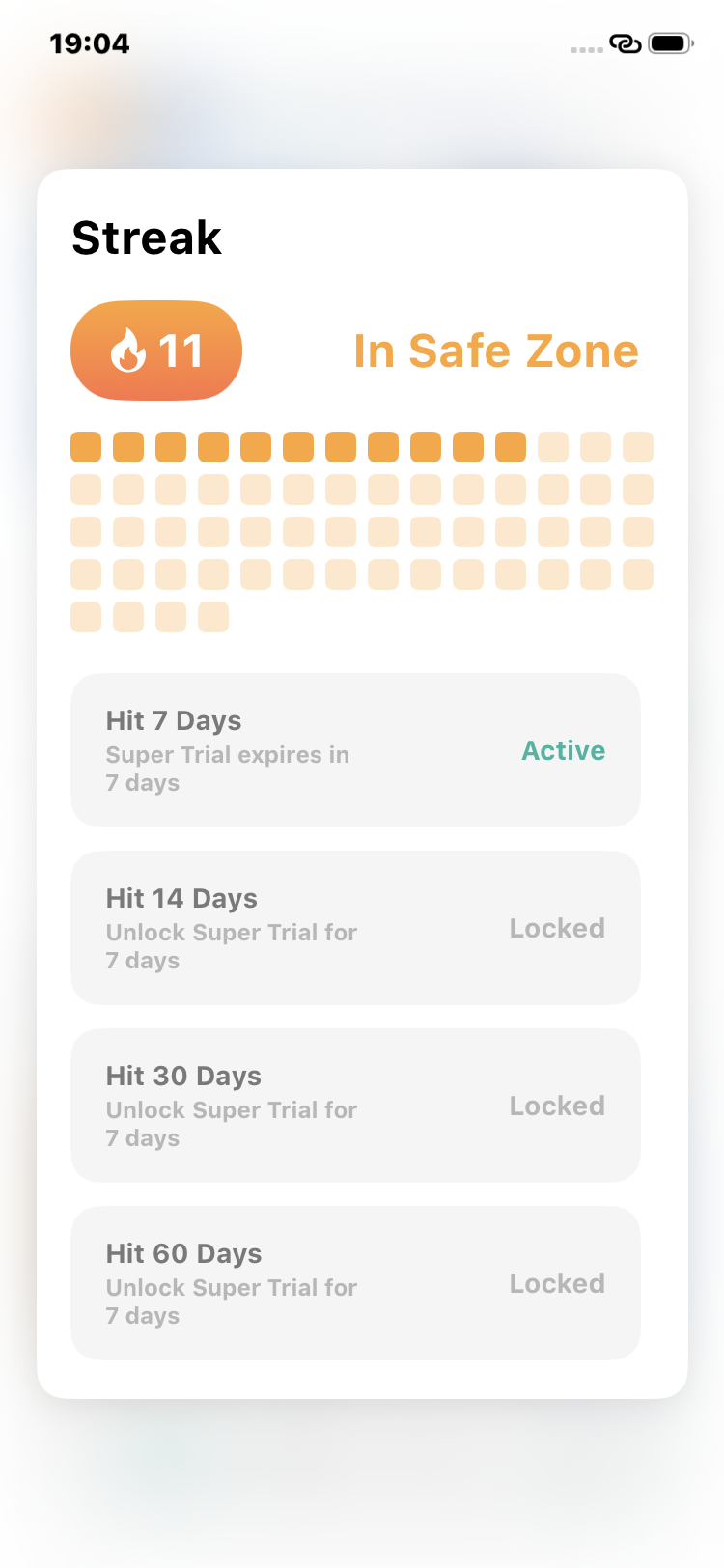
- Daily Streaks:
Stay in the safe zone and build a streak as you manage your data plan day by day. - Streak Rewards:
Hit streak milestones to unlock Super Pill trial days and keep your progress going. - Days Left:
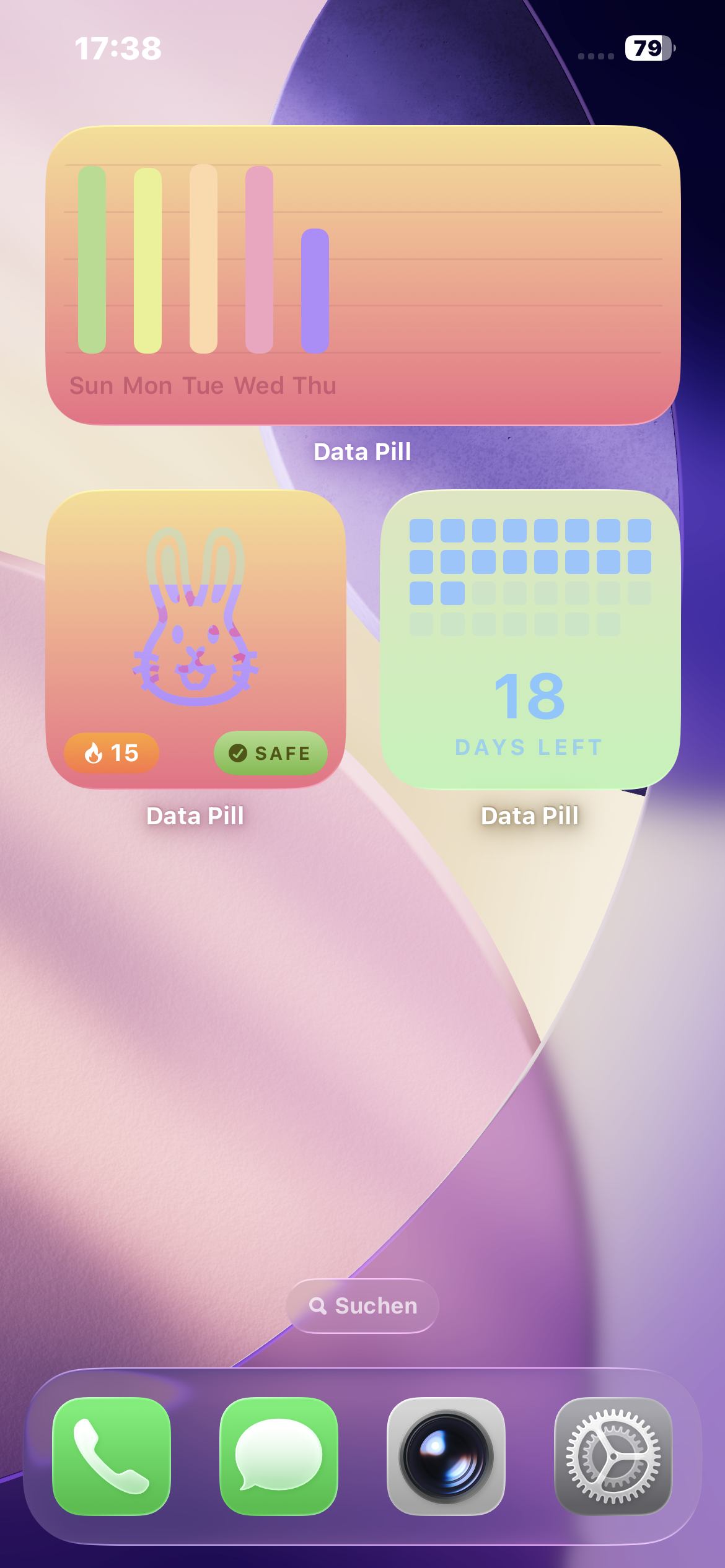
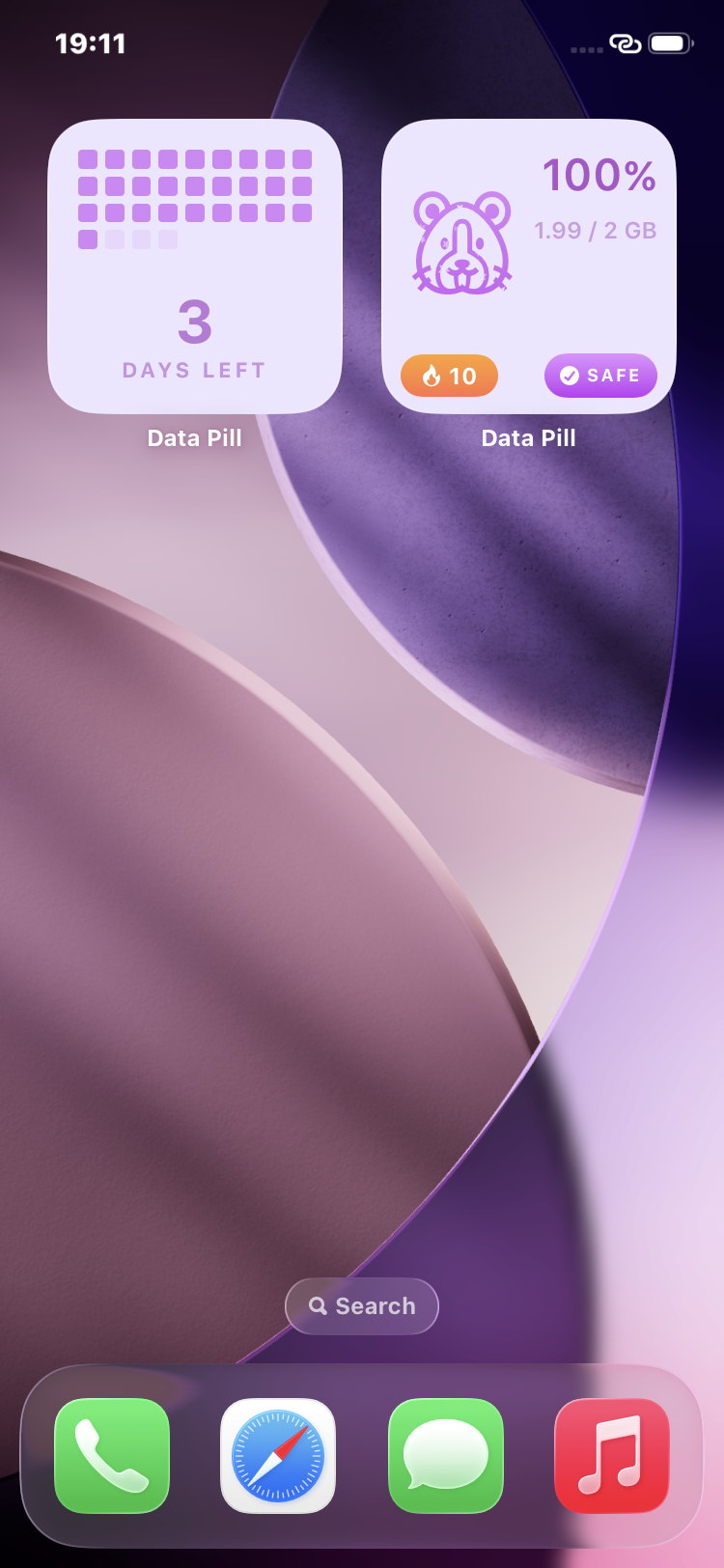
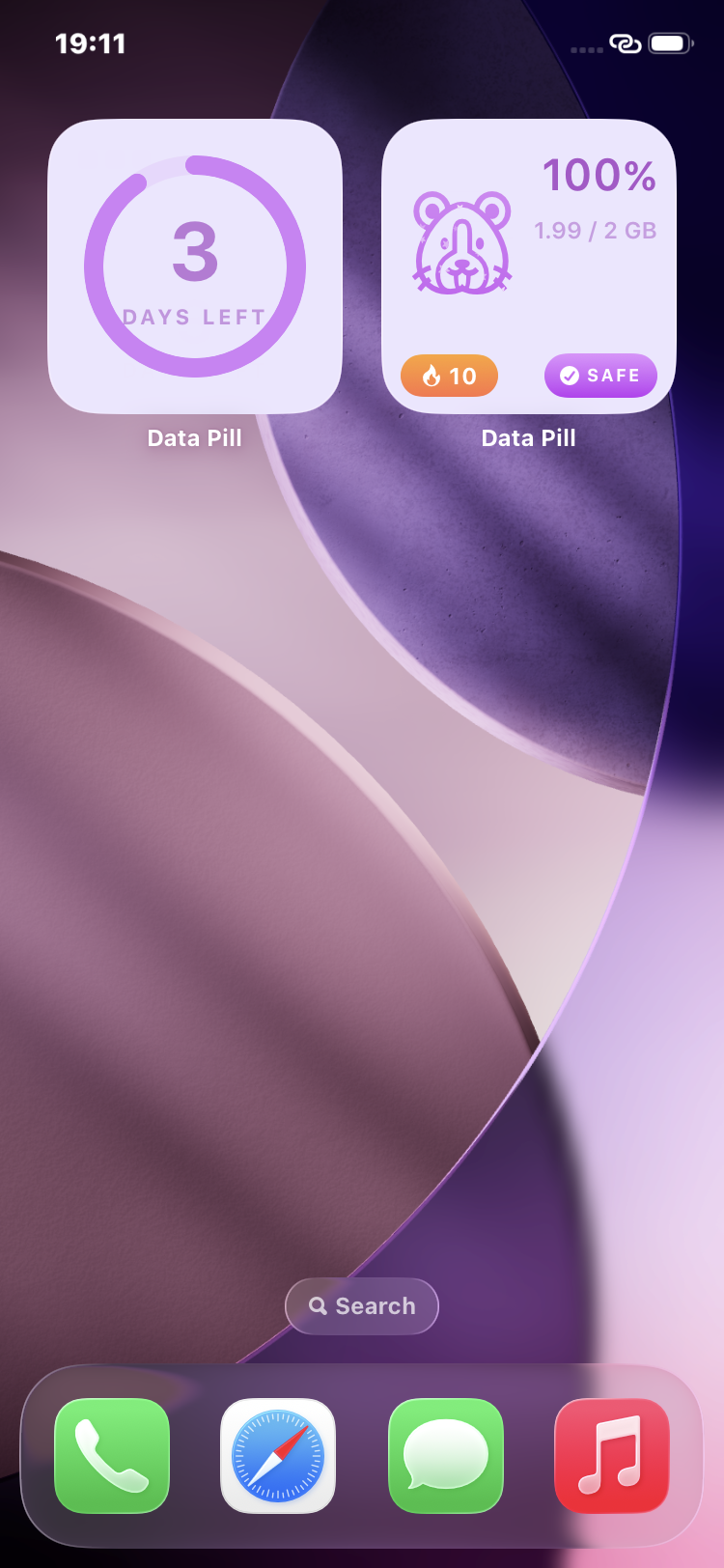
See how many days are left in your plan directly in the app and on your widgets. - Dynamic Themes:
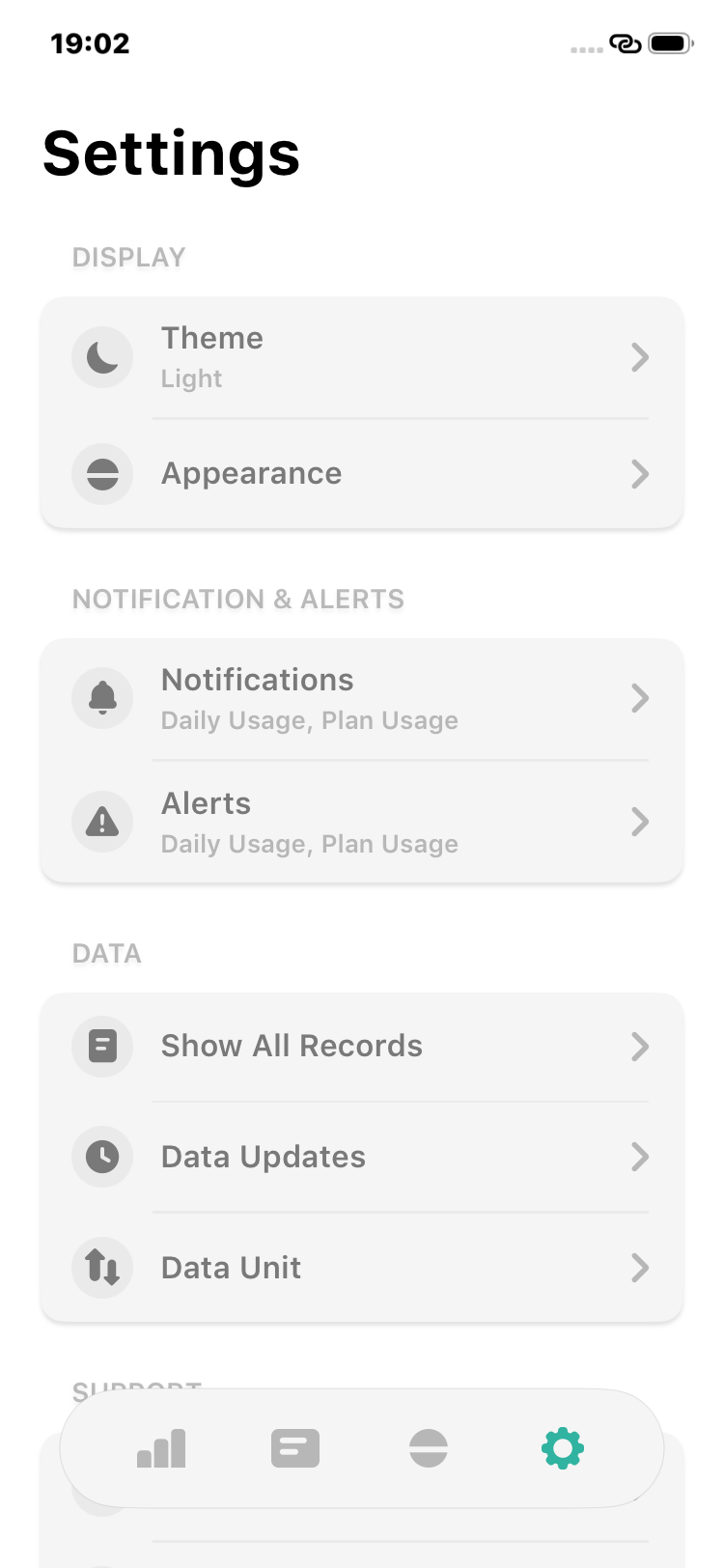
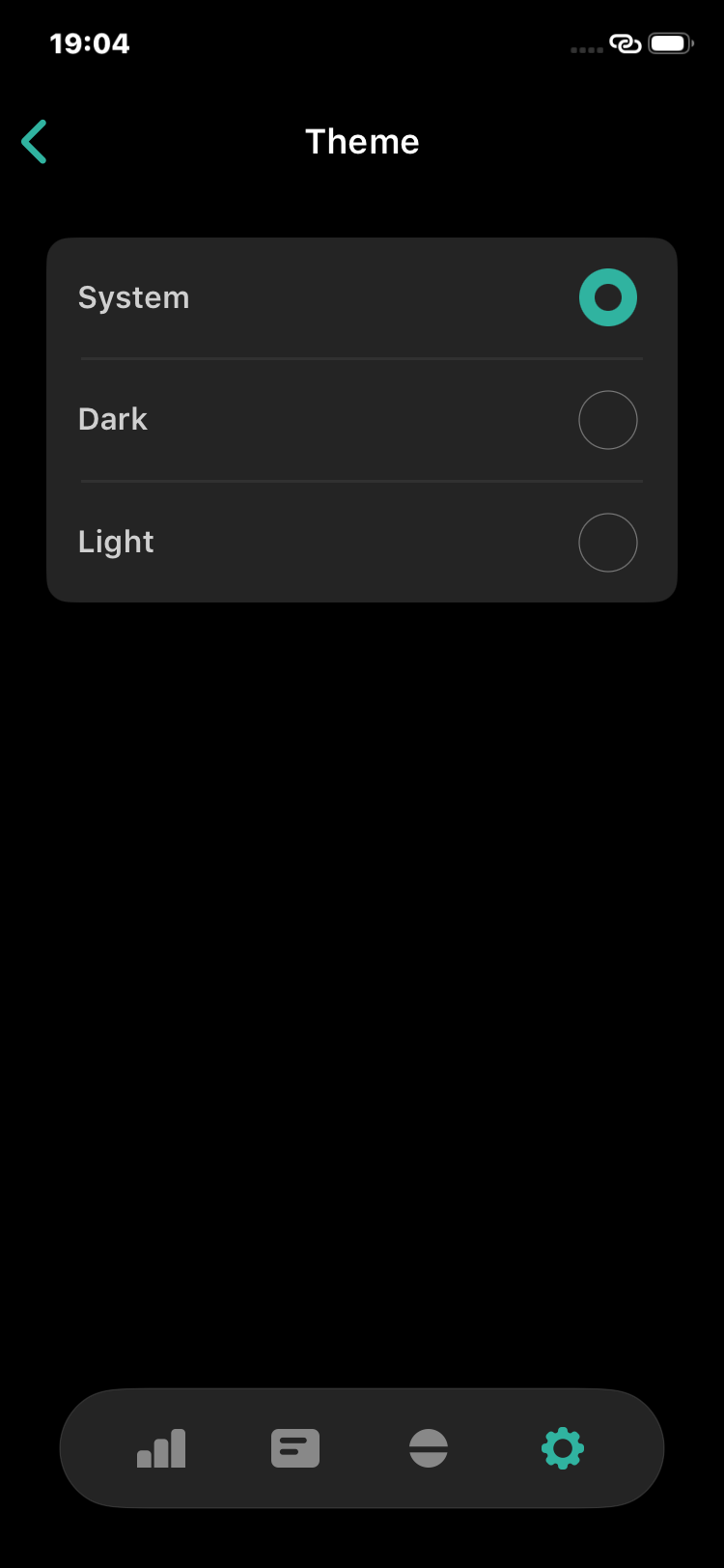
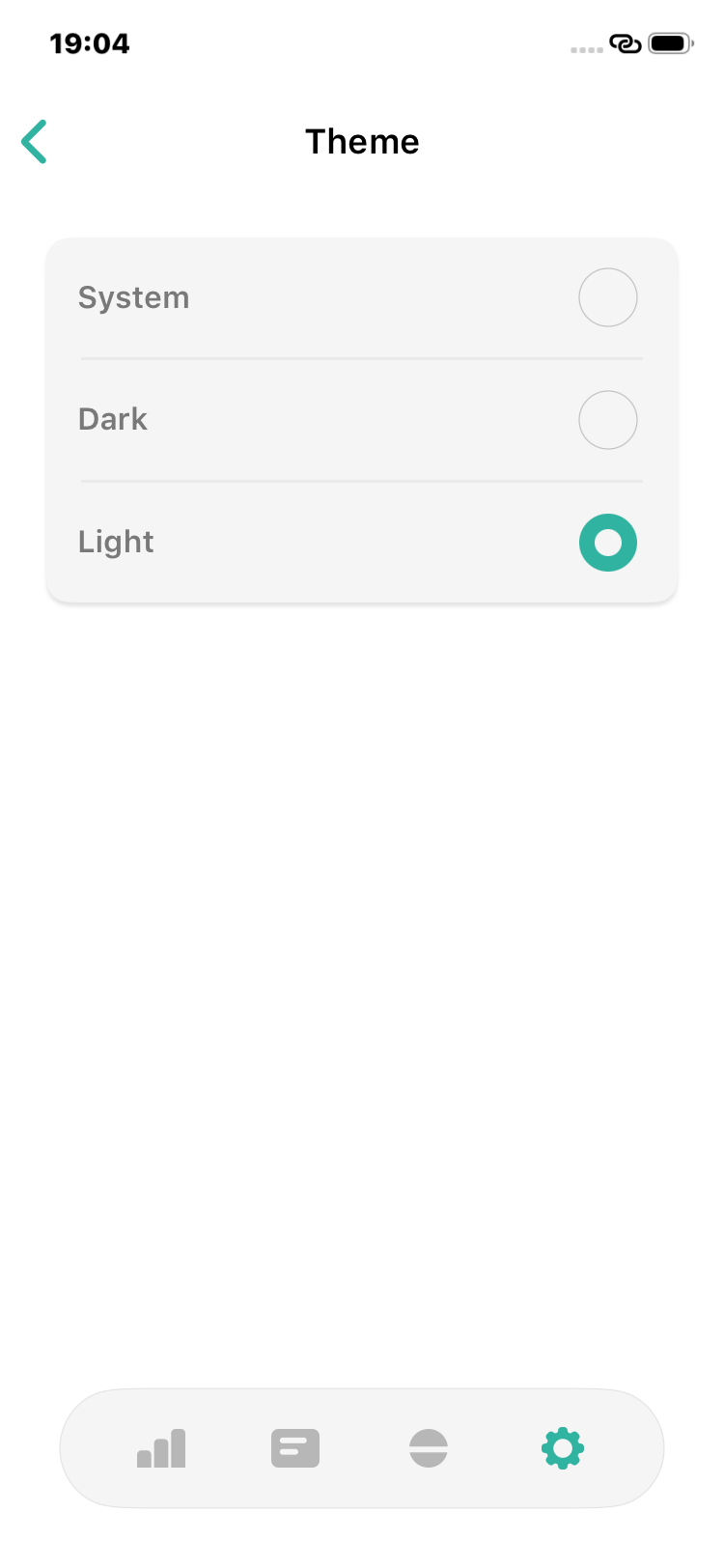
Choose System, Dark, or Light mode, with improved widget colors that adapt to your look. - Smarter Home & Widgets:
Streaks, data status, days left, and Super Pill subscription details are easier to check at a glance.
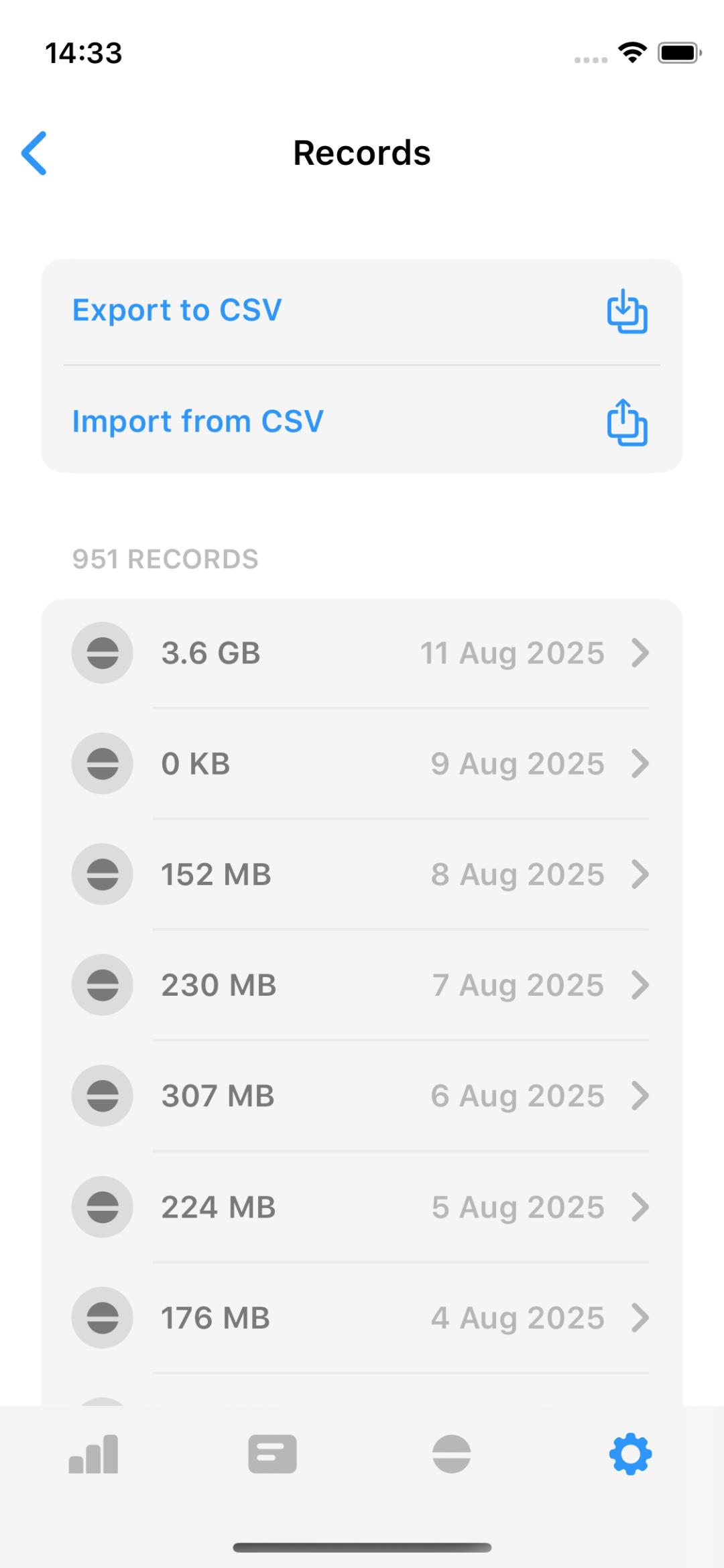
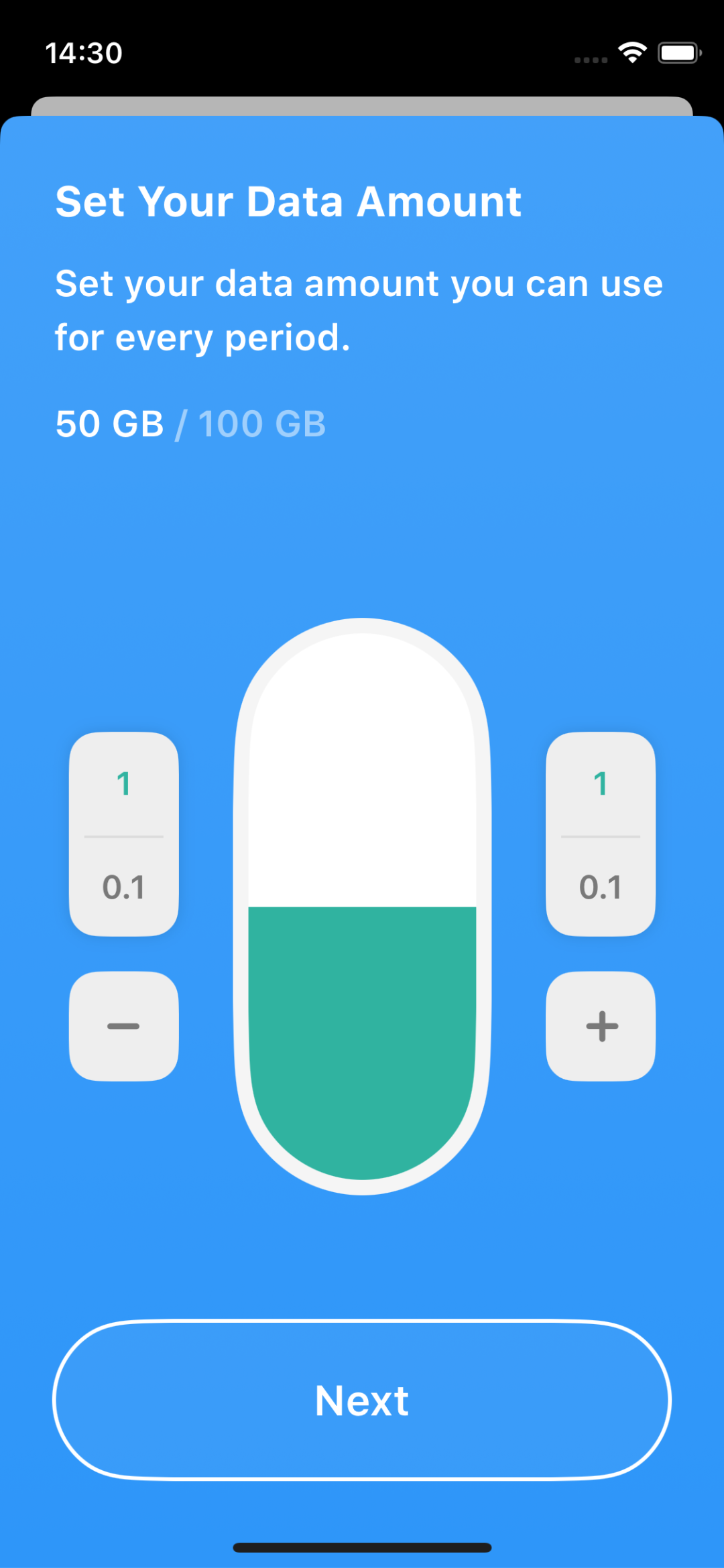
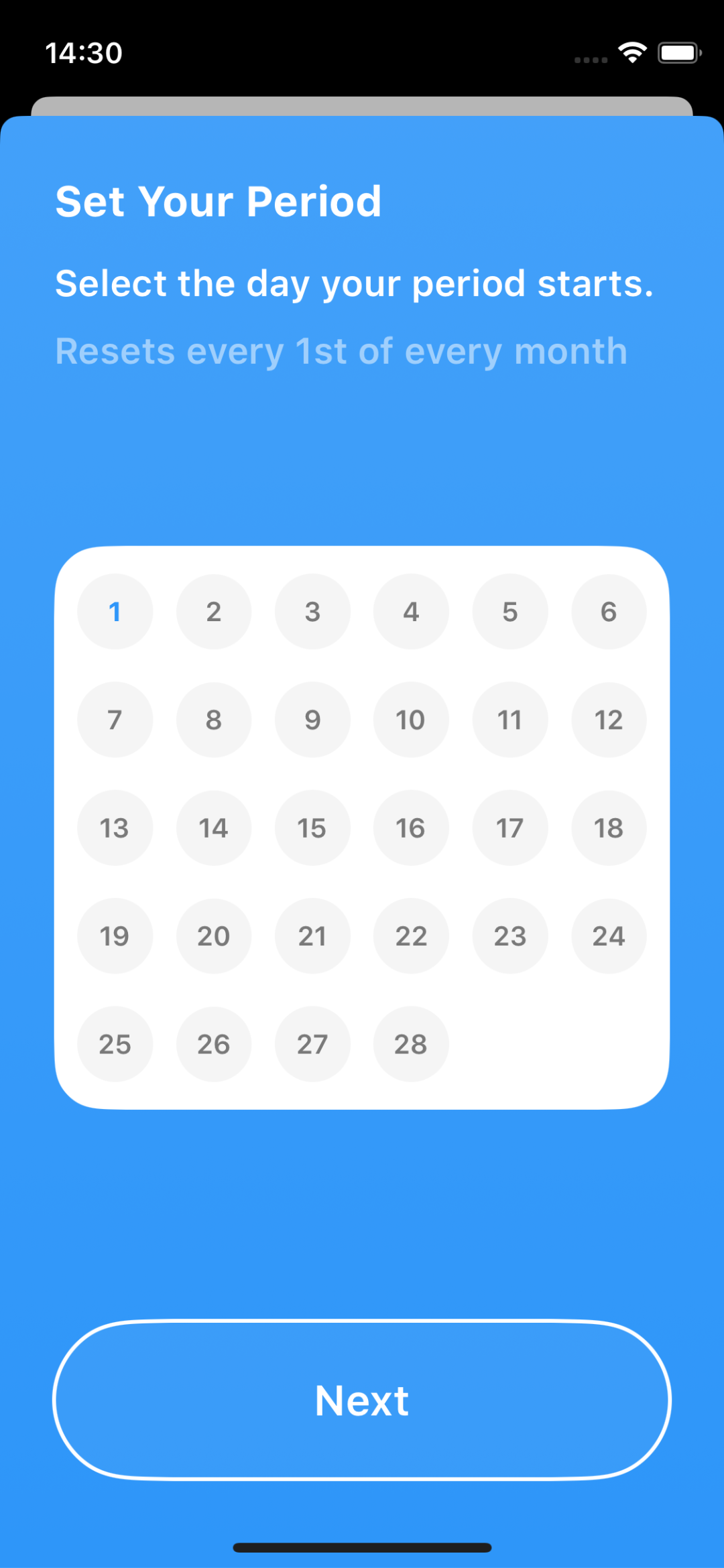
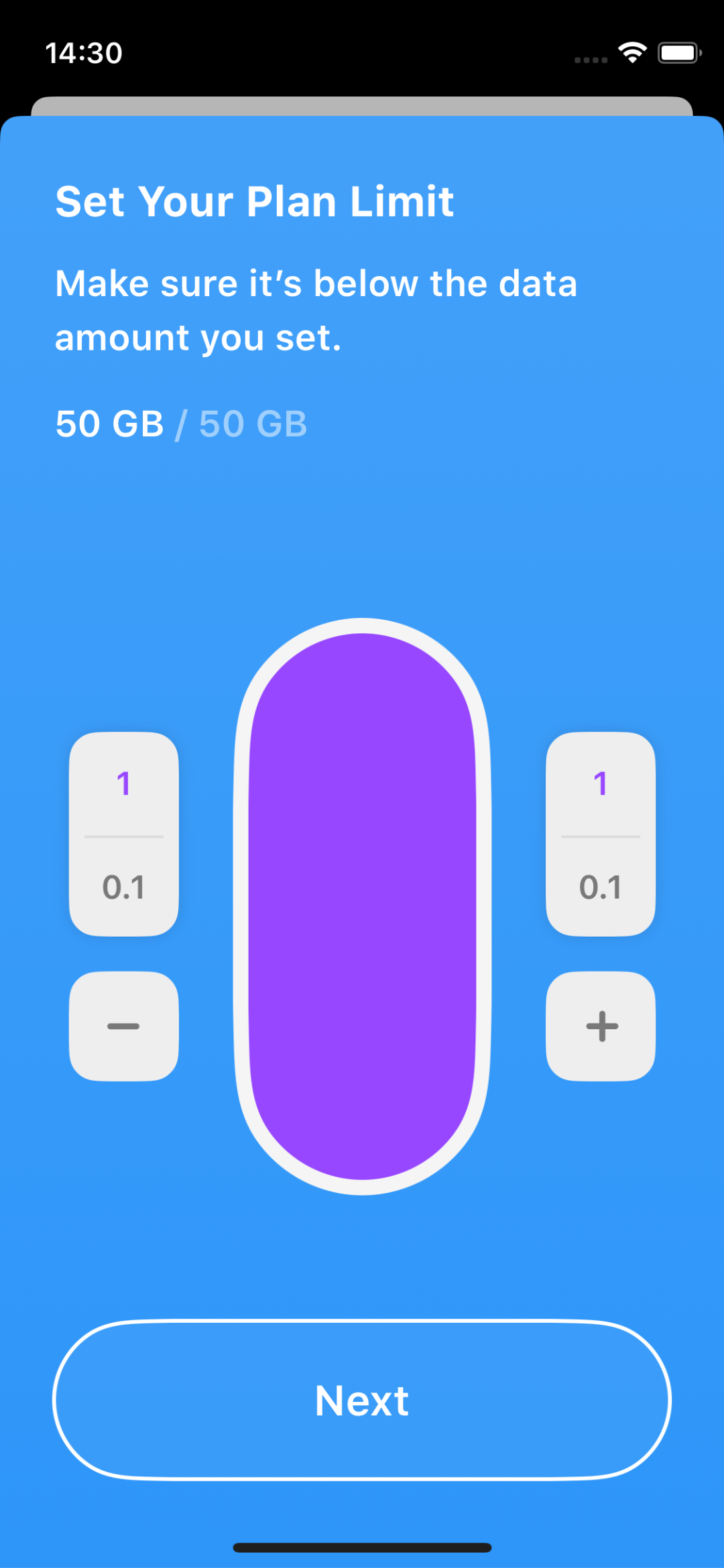
Startup Guide & Import Data
- New Startup Guide:
Get started quickly with our new step-by-step guide. - Import Data:
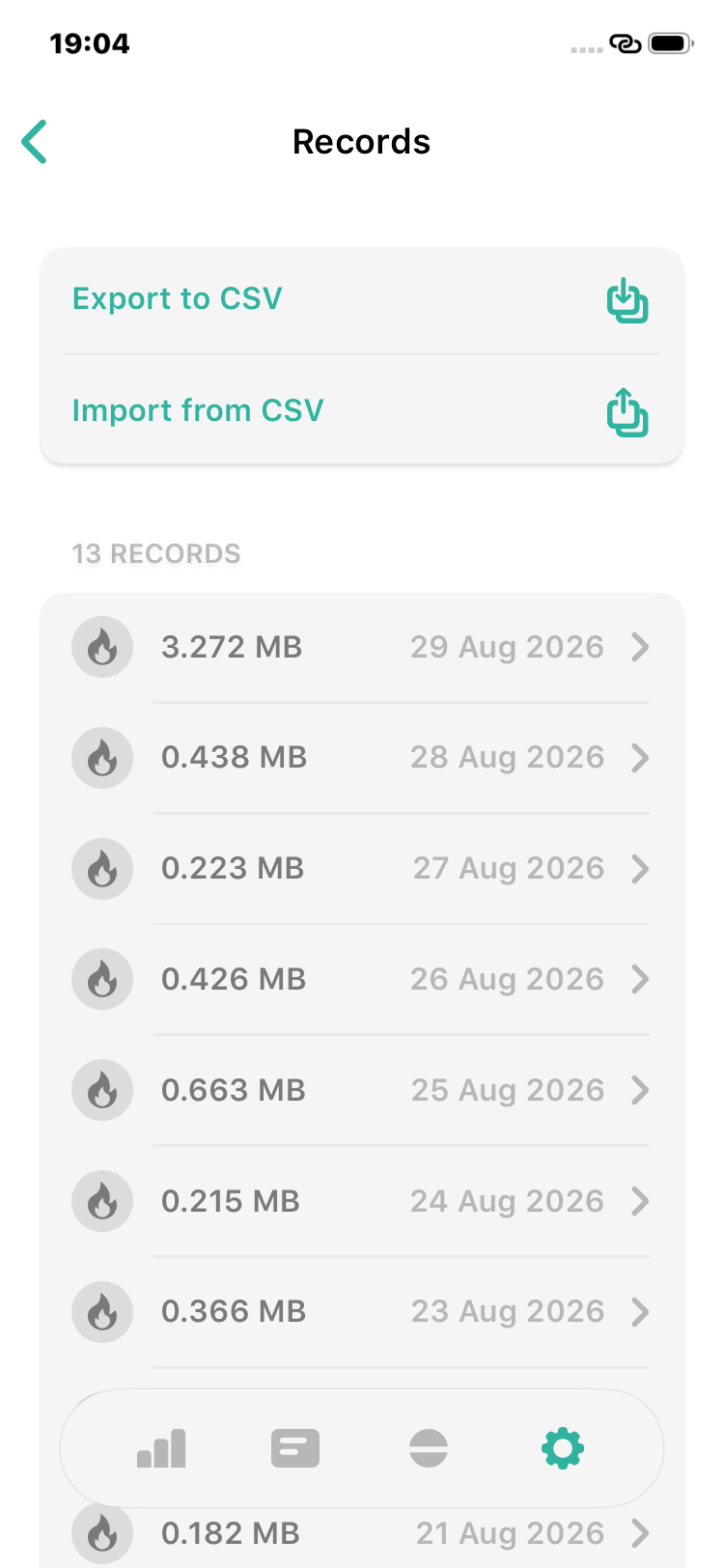
Easily import your existing data using CSV files.
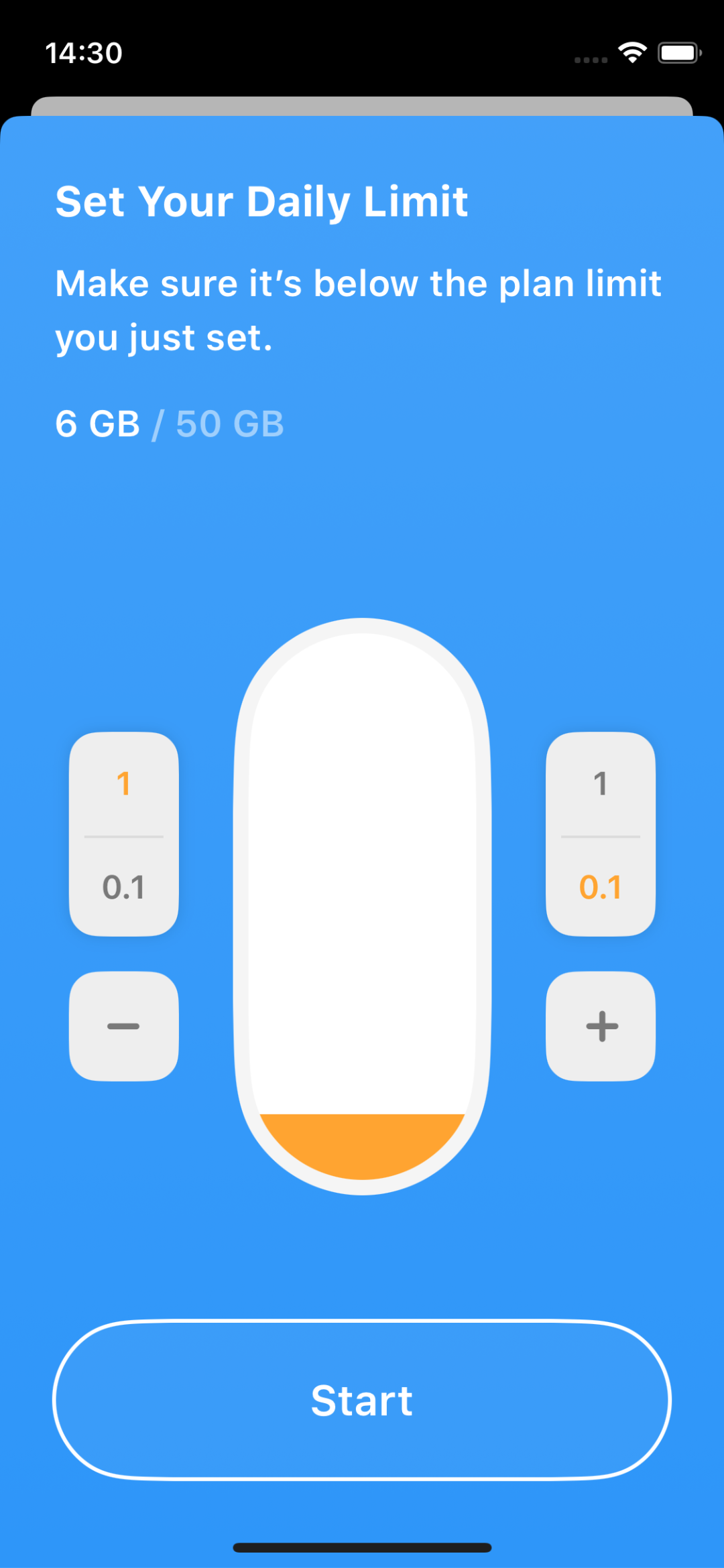
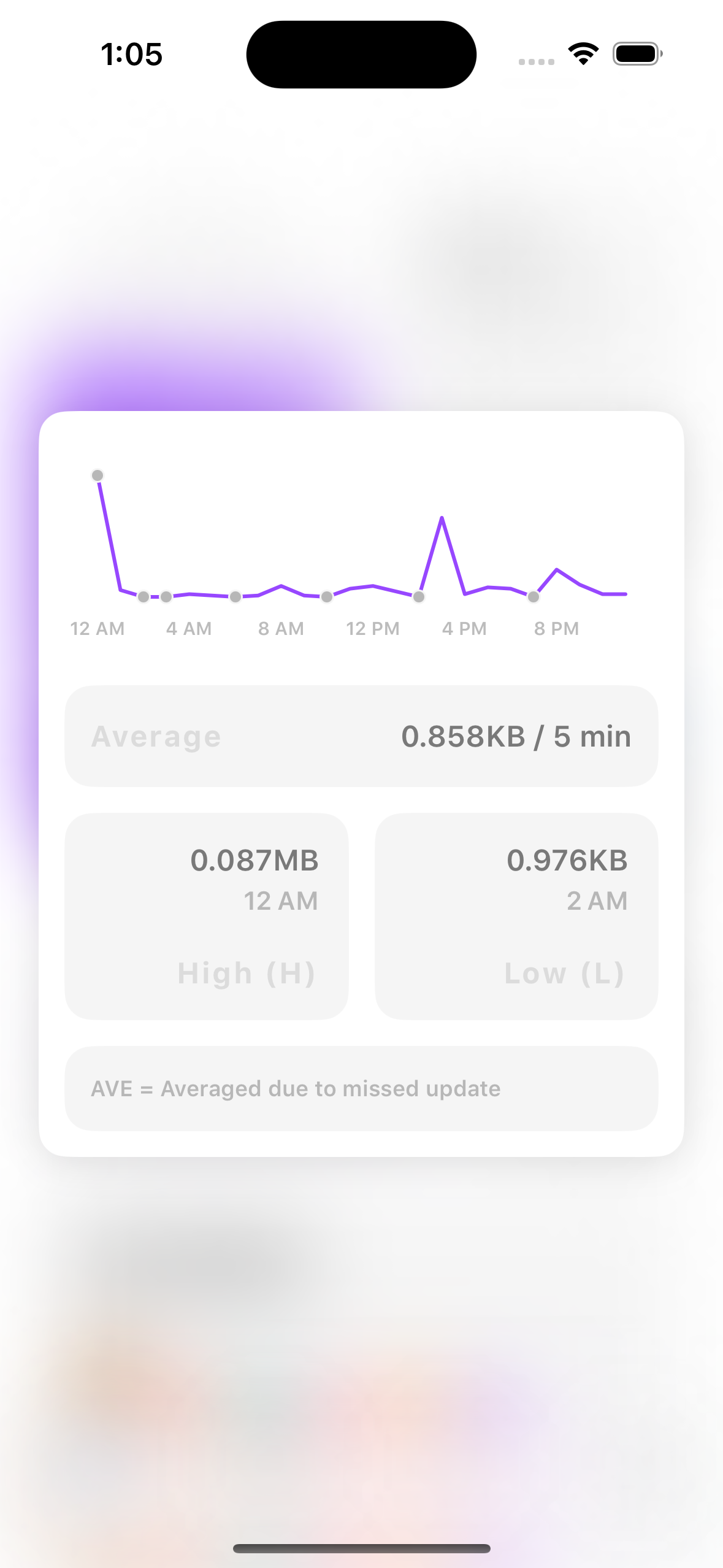
Visualize your data every few minutes
You can now enable tracking to see how much data you’ve used every X minutes. Watch your data usage trend over time with our new line chart, so you stay in control and avoid surprises.
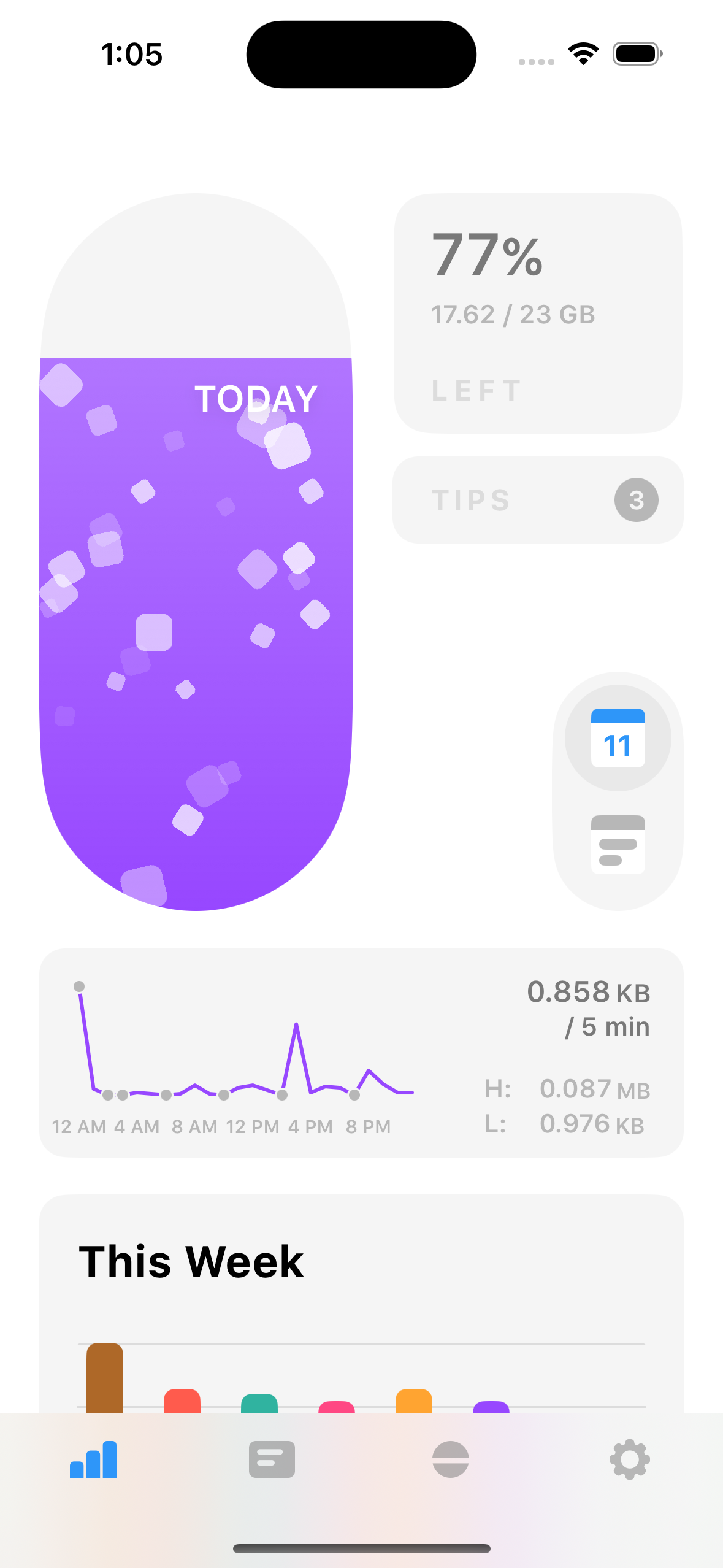
Custom Particles & New Pill Shapes
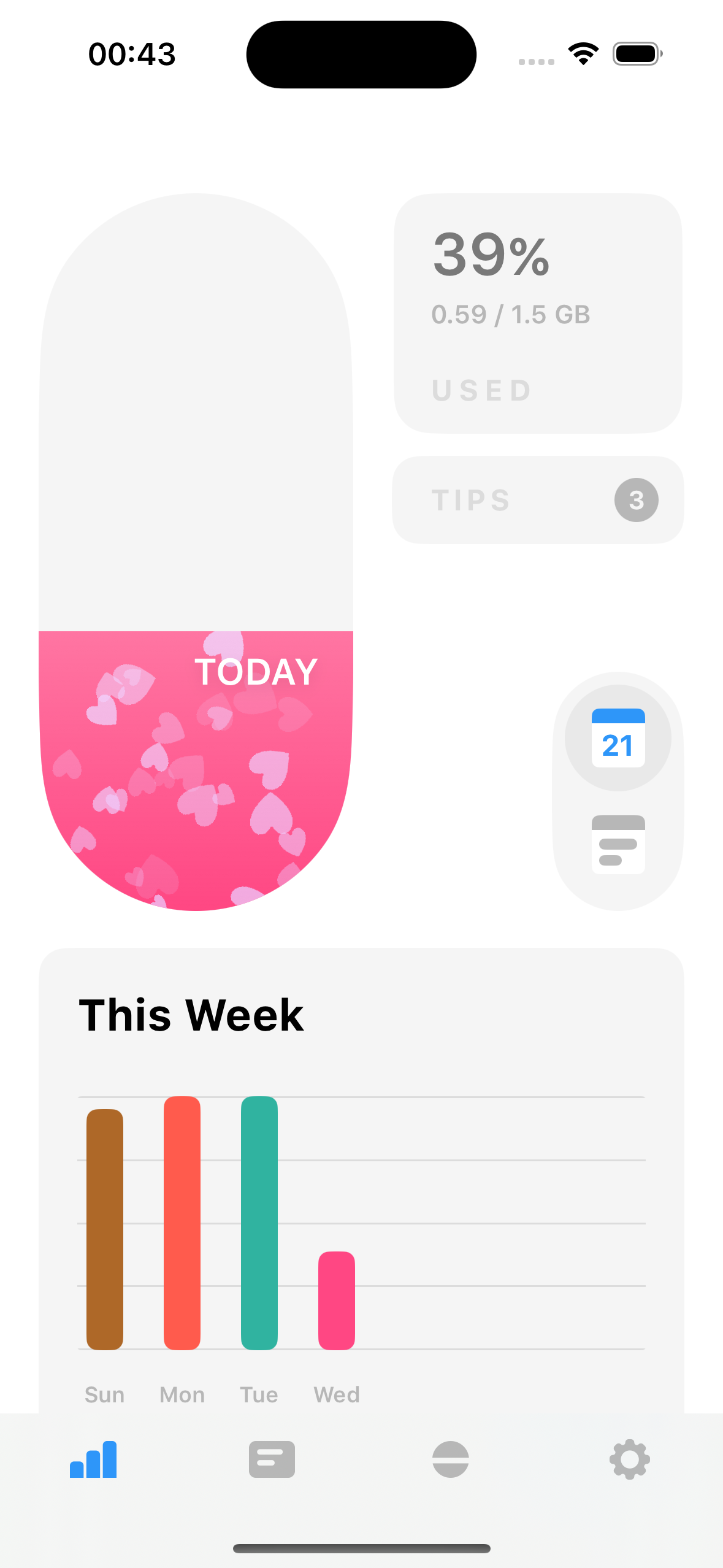
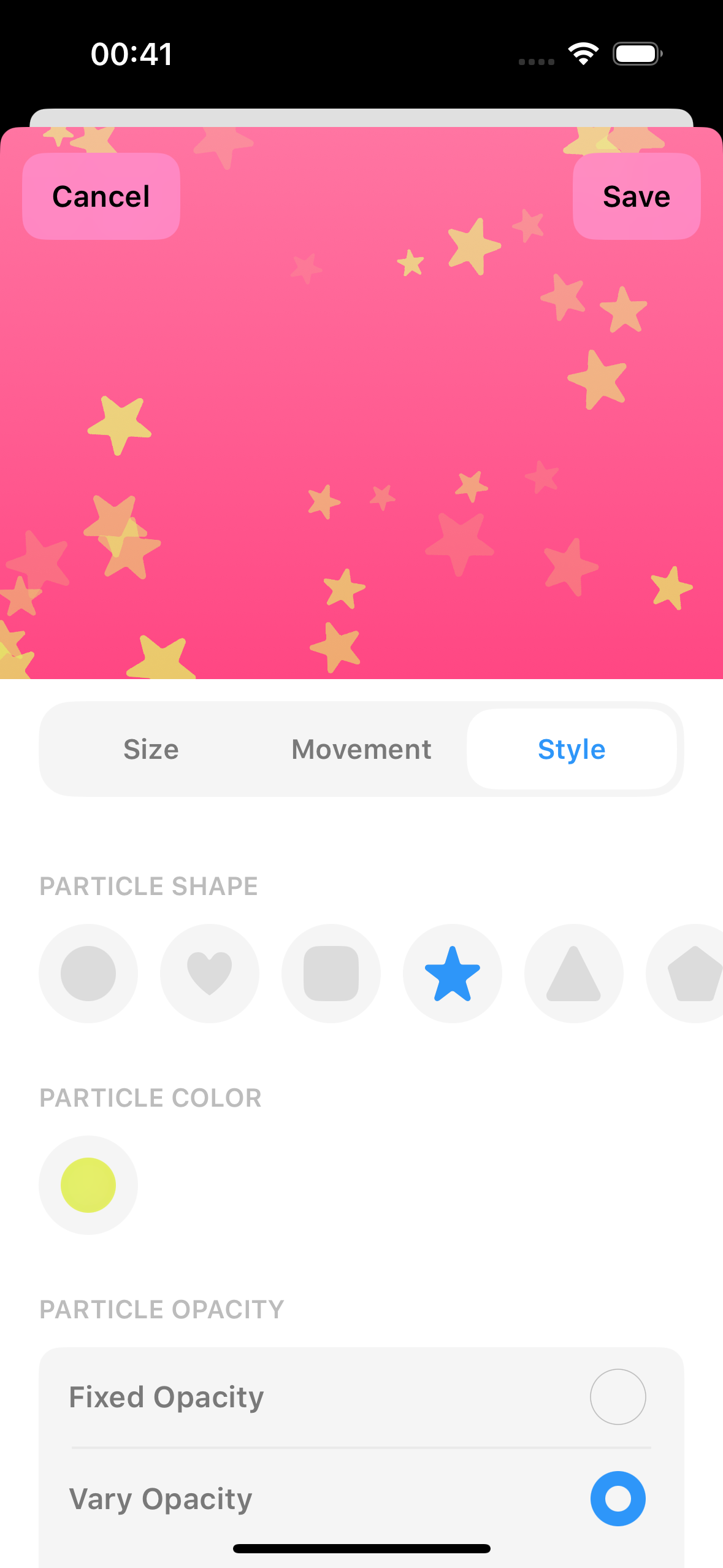
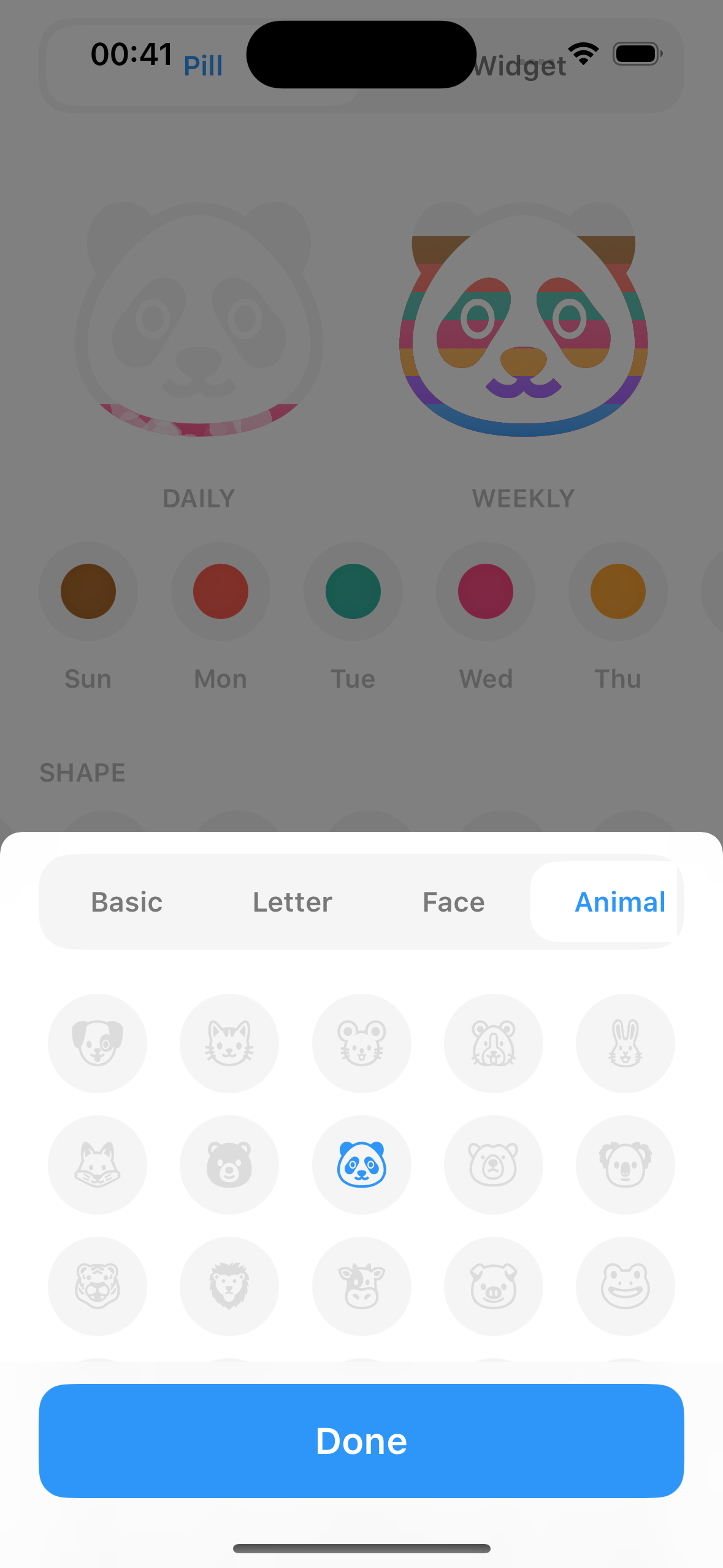
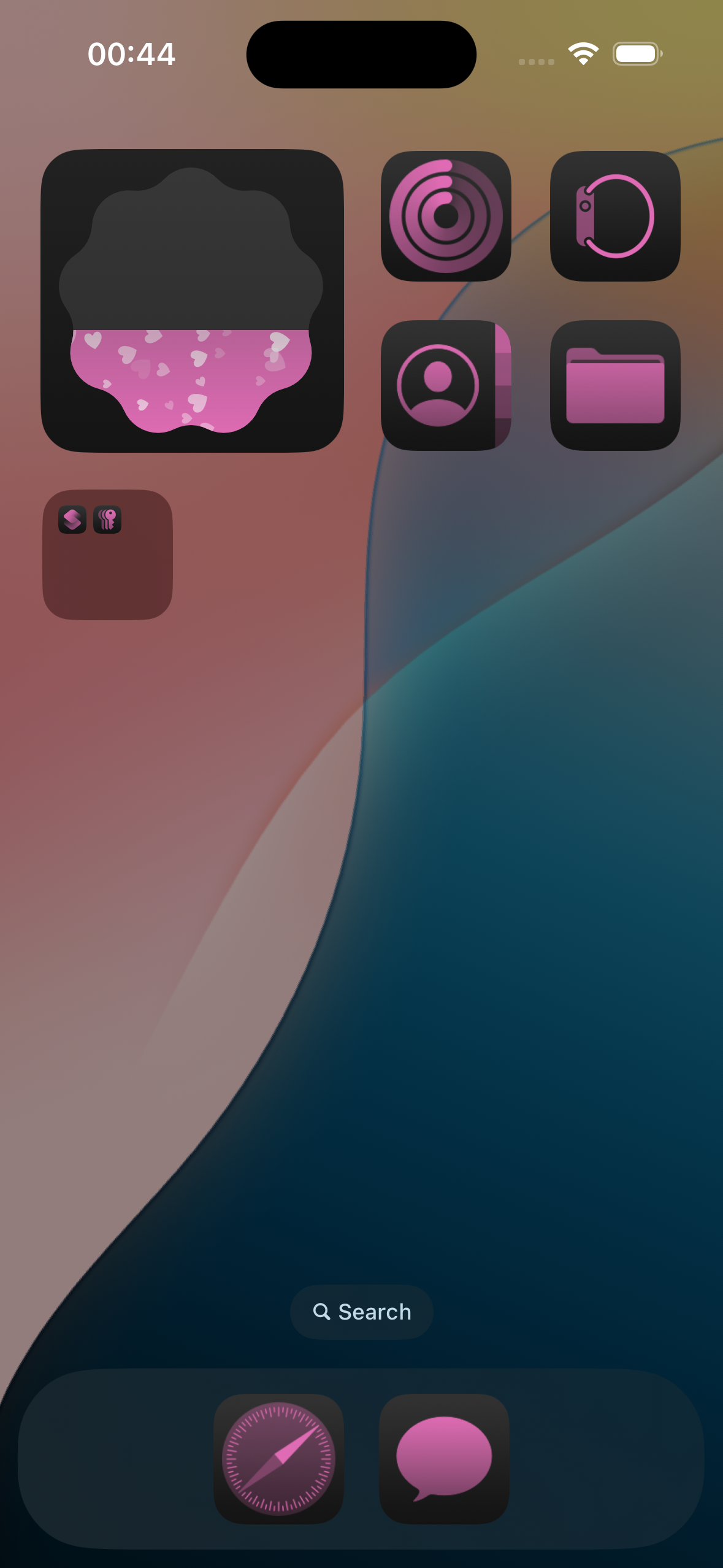
Get creative with our new interactive pill feature!
- Animated Particles:
Add particles that move up, down, or in any direction inside your pills. - Full Control:
Customize particle shape, speed, opacity, and more. - More Pill Options:
Choose from basic shapes to fun emoji pills.
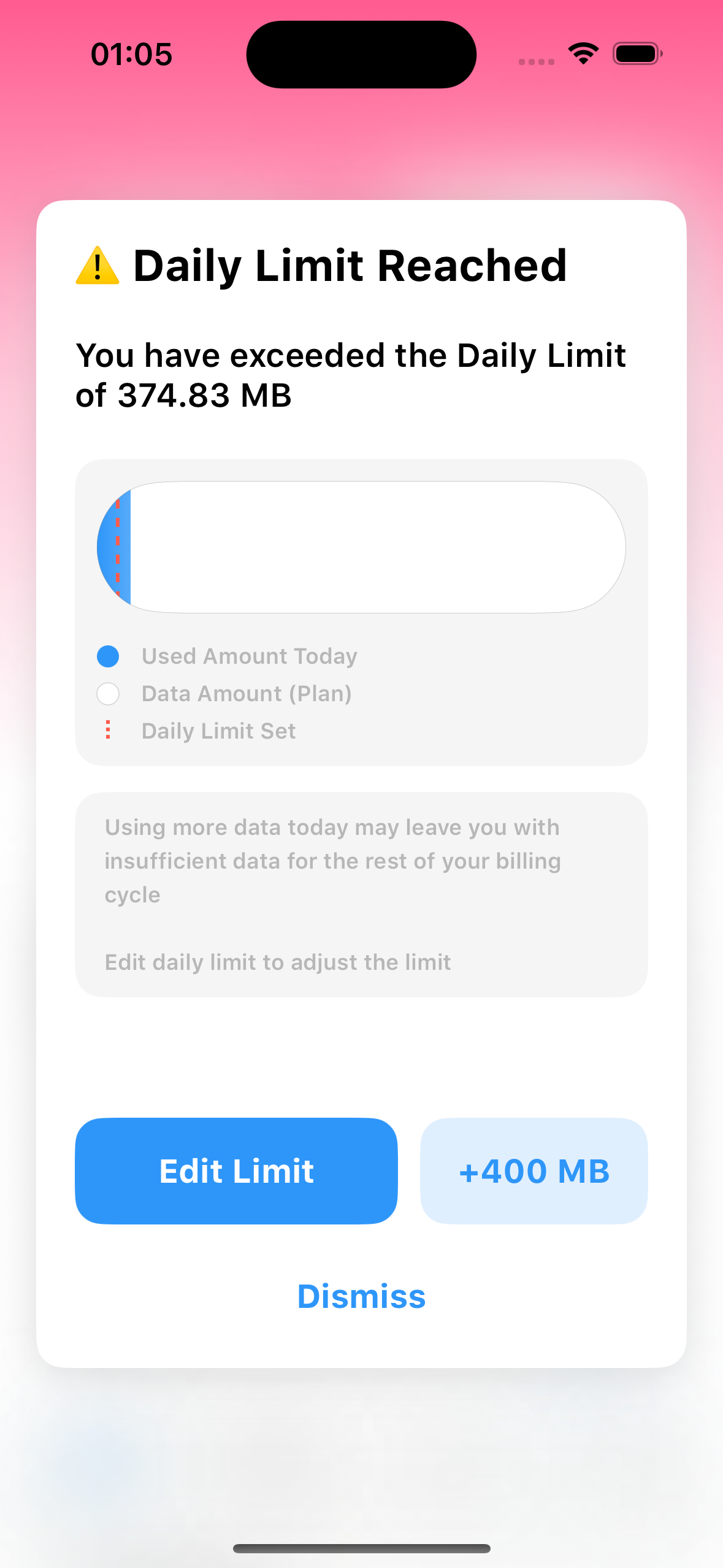
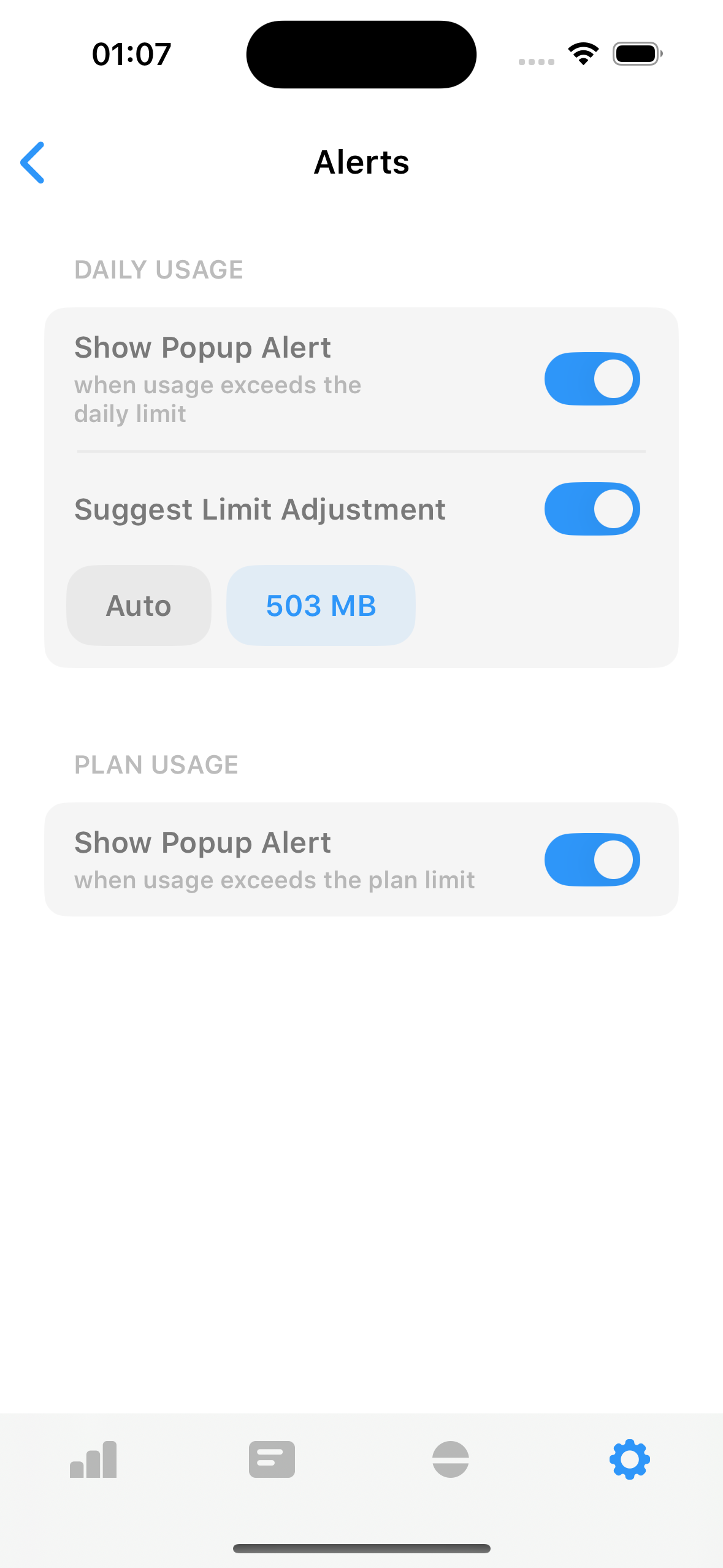
App Alerts & Tips
We've added smart alerts and helpful tips to help you stay in control of your data usage!
- Real-time Alerts:
Get notified when you reach or exceed your mobile data limit — right inside the app. - Smart Tips to Save Data:
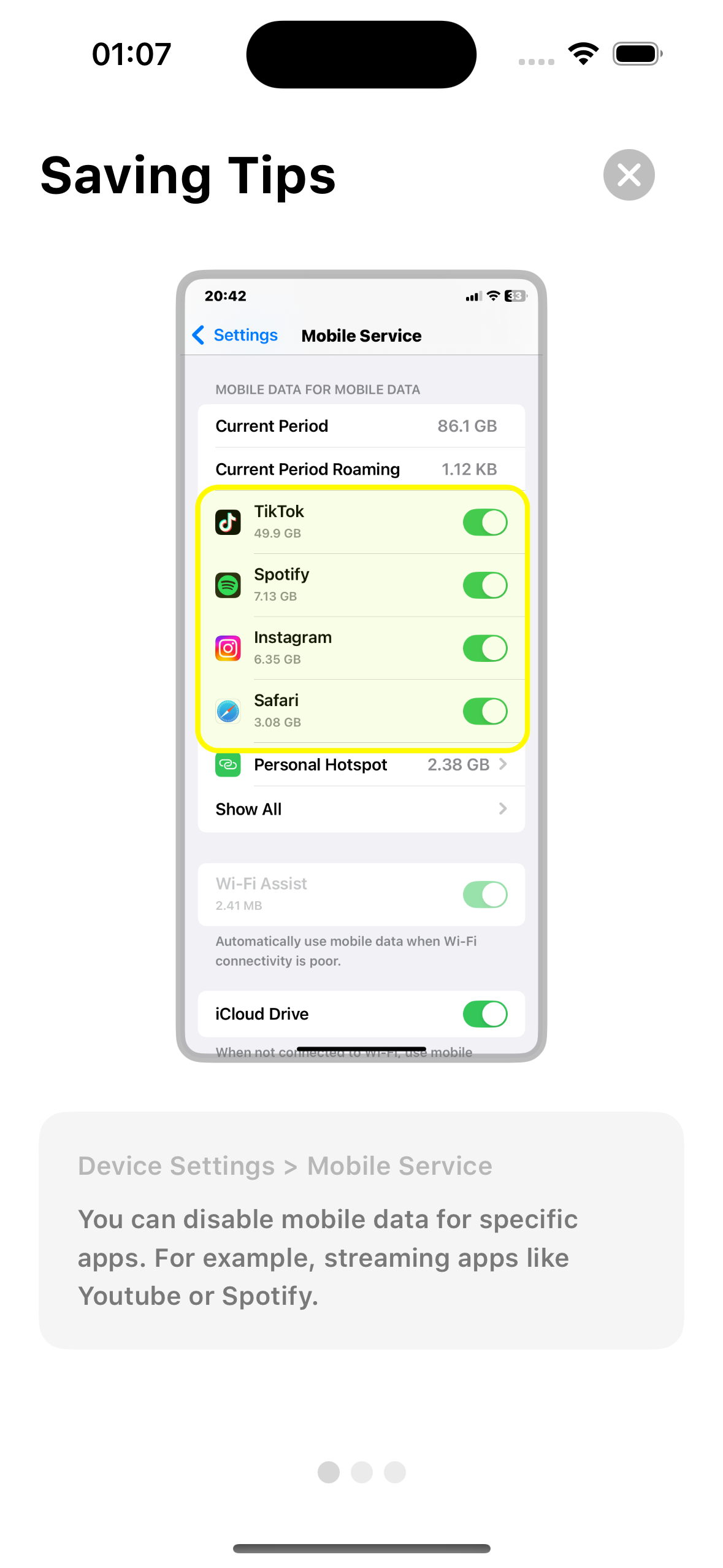
Discover easy, practical ways to reduce data usage and avoid overages.
More Widgets on Lockscreen & Homescreen
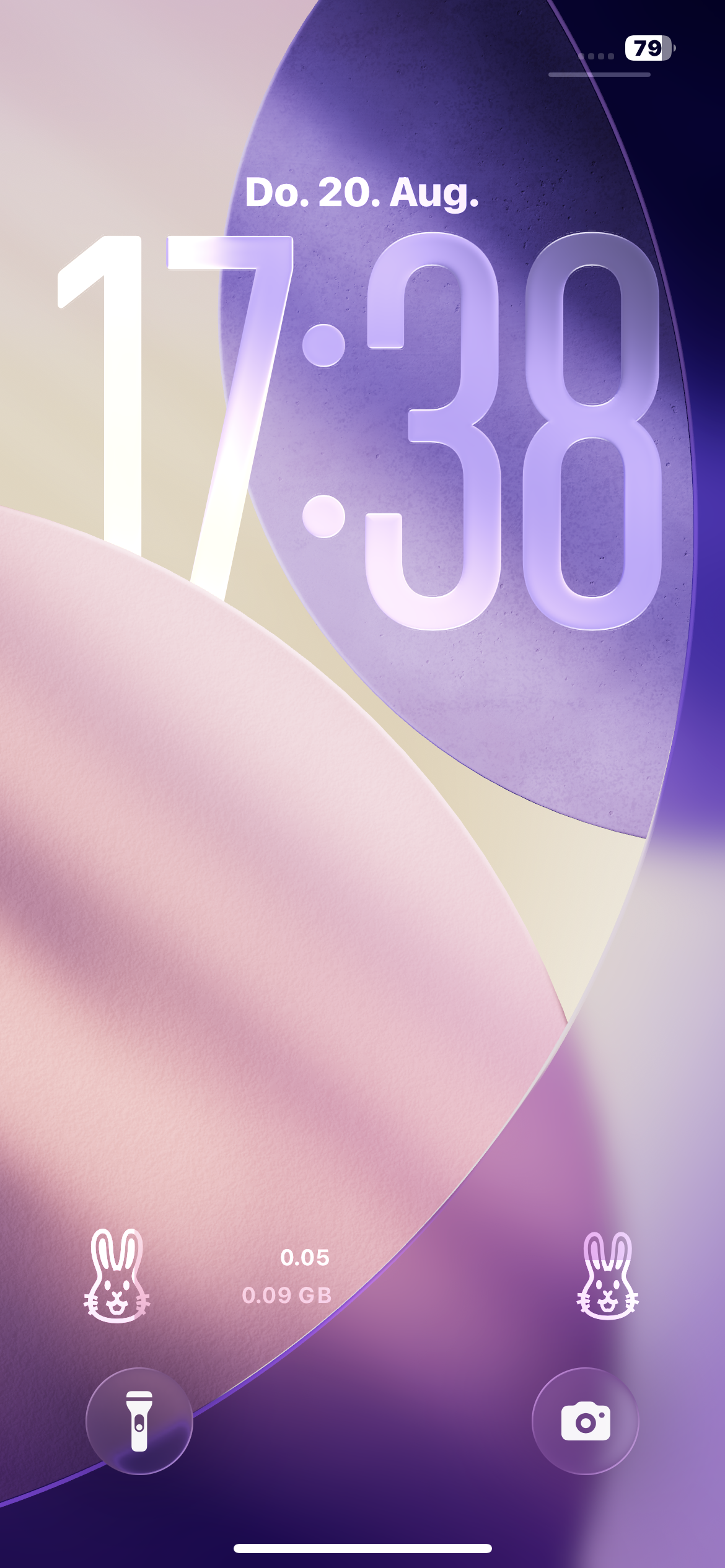
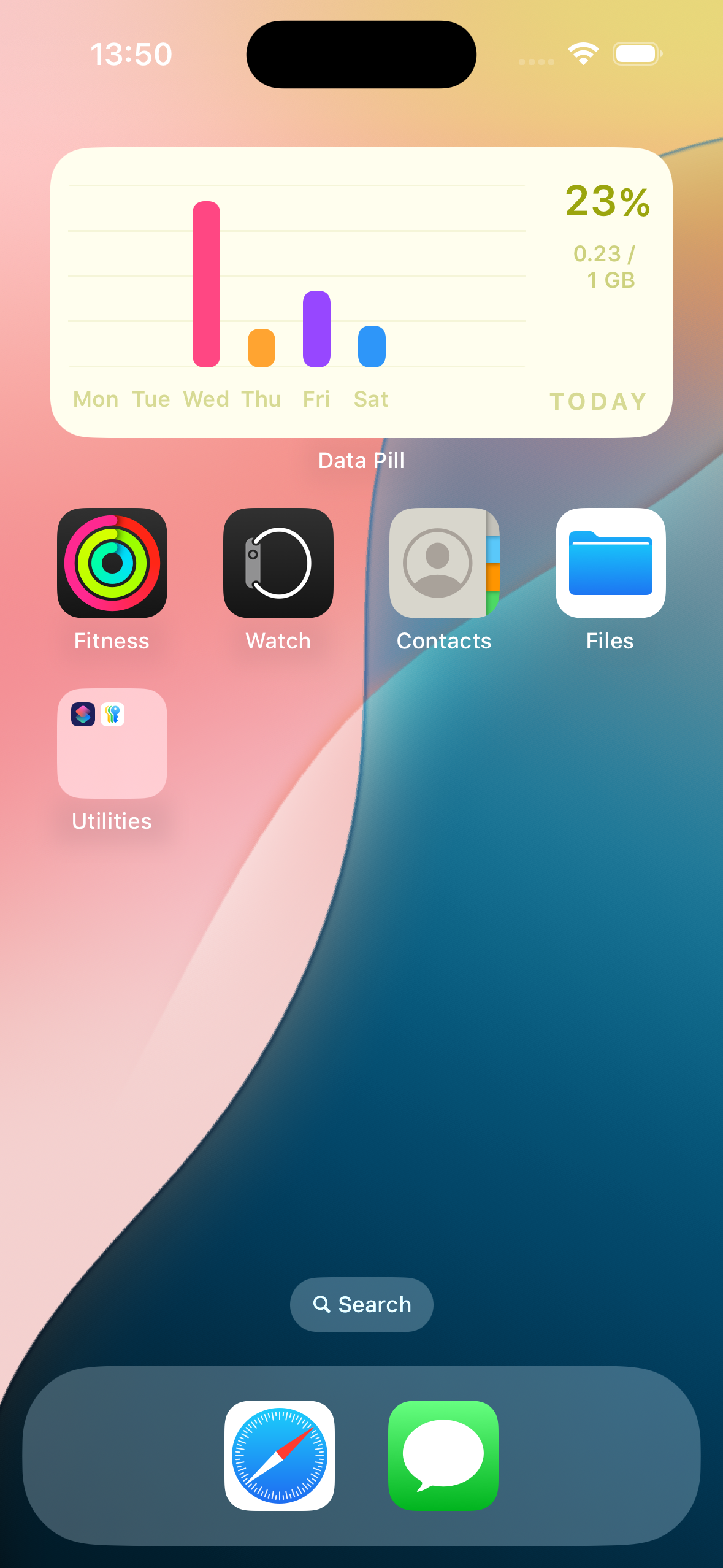
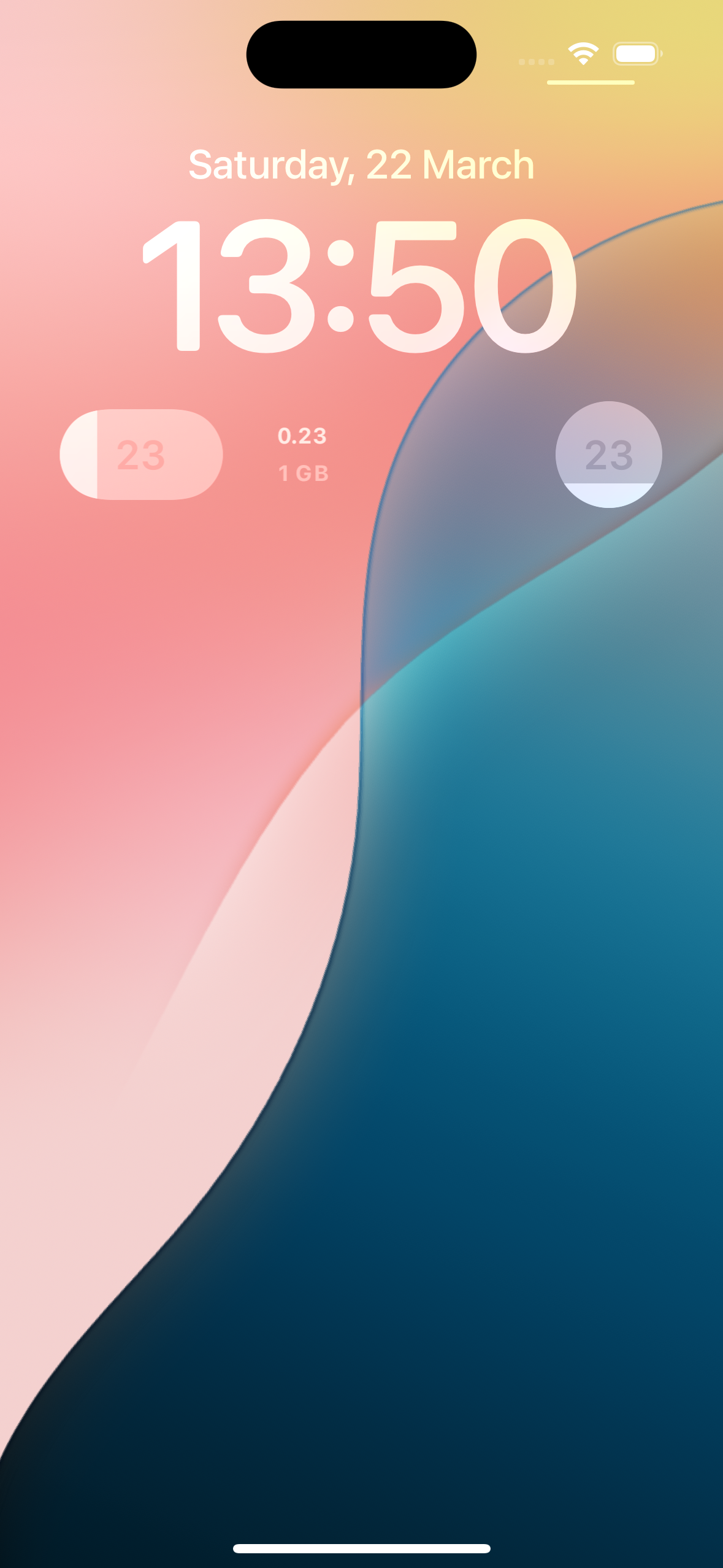
View weekly usage on your homescreen and free up space for other widgets on your lockscreen with the new compact widget
Record History & Widget Customization
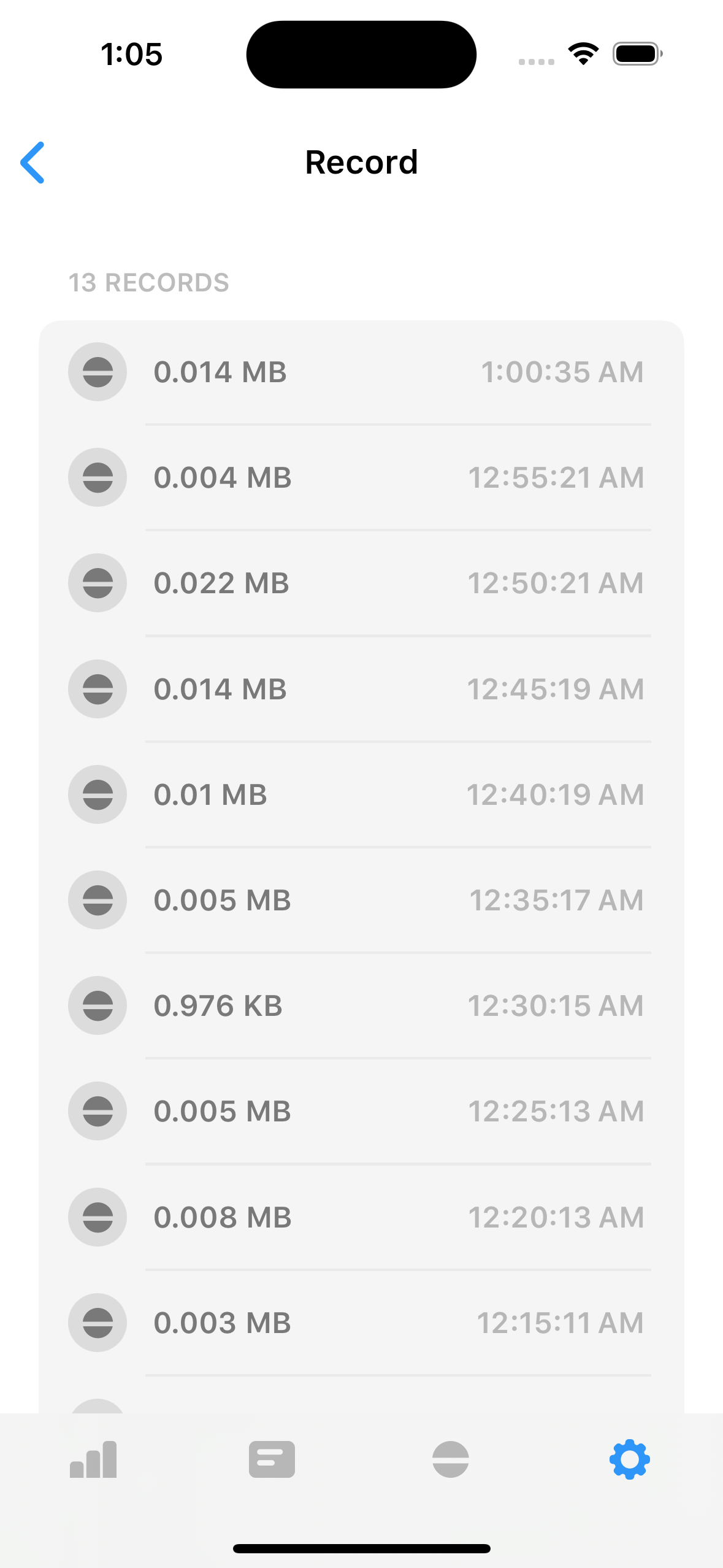
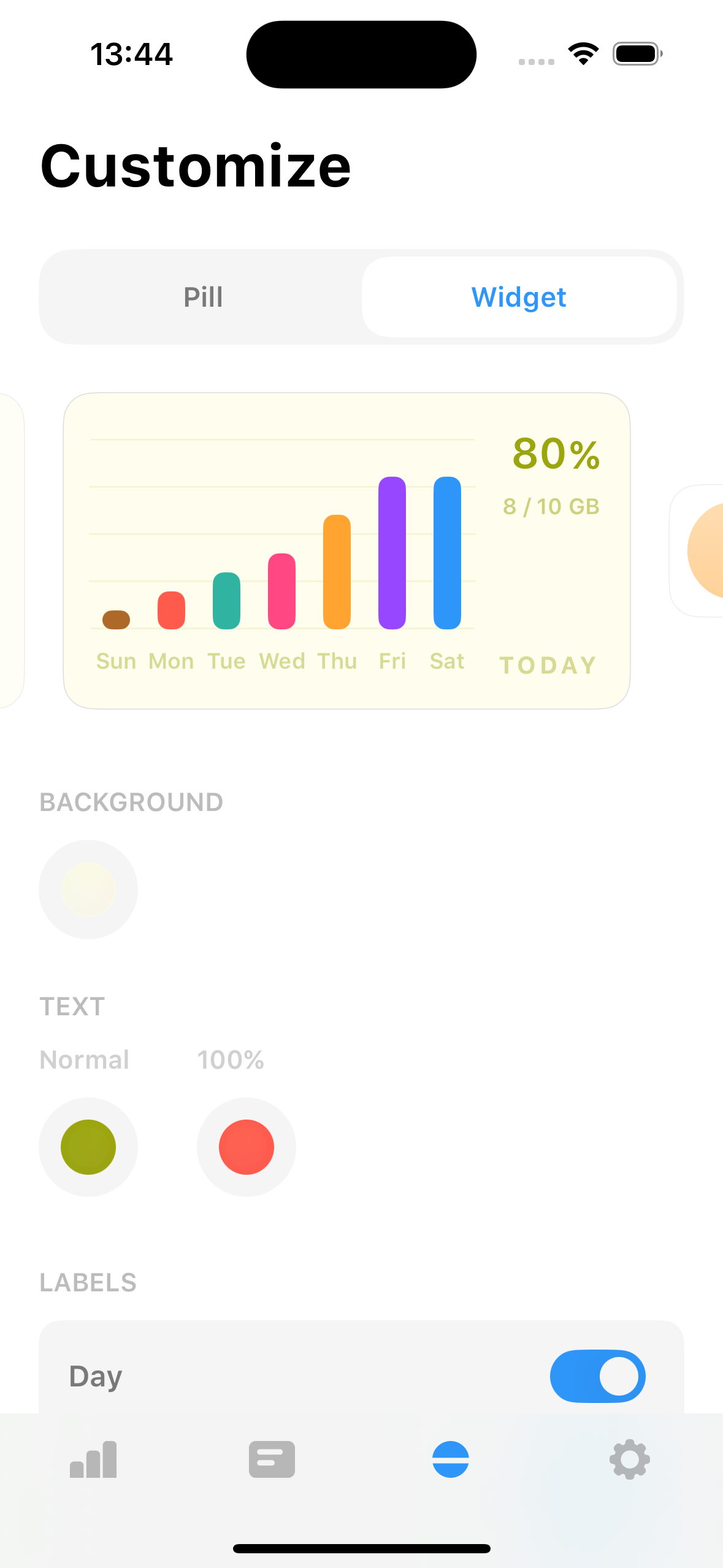
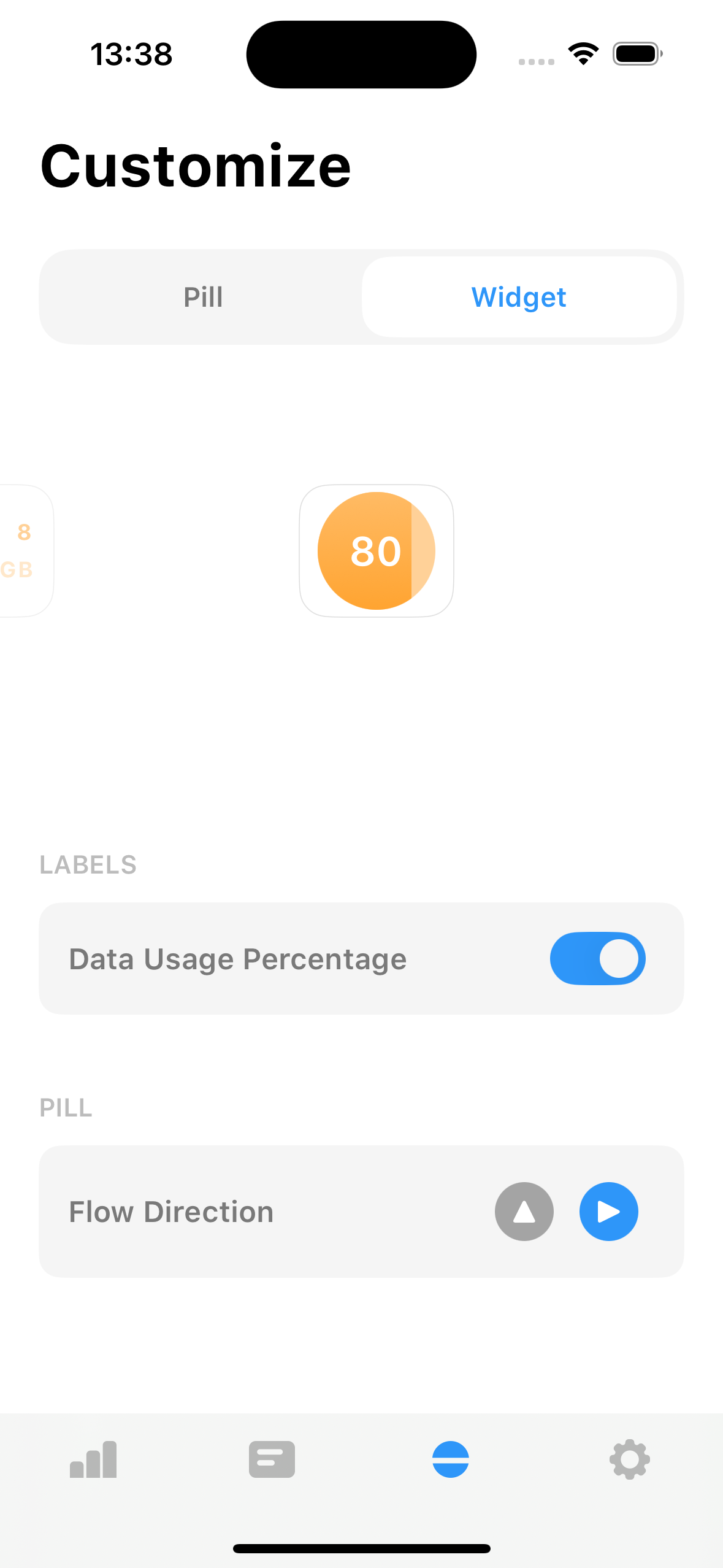
View past data in a chart and customize the appearance of the widgets by changing the background and text color
Revamped UI ✨
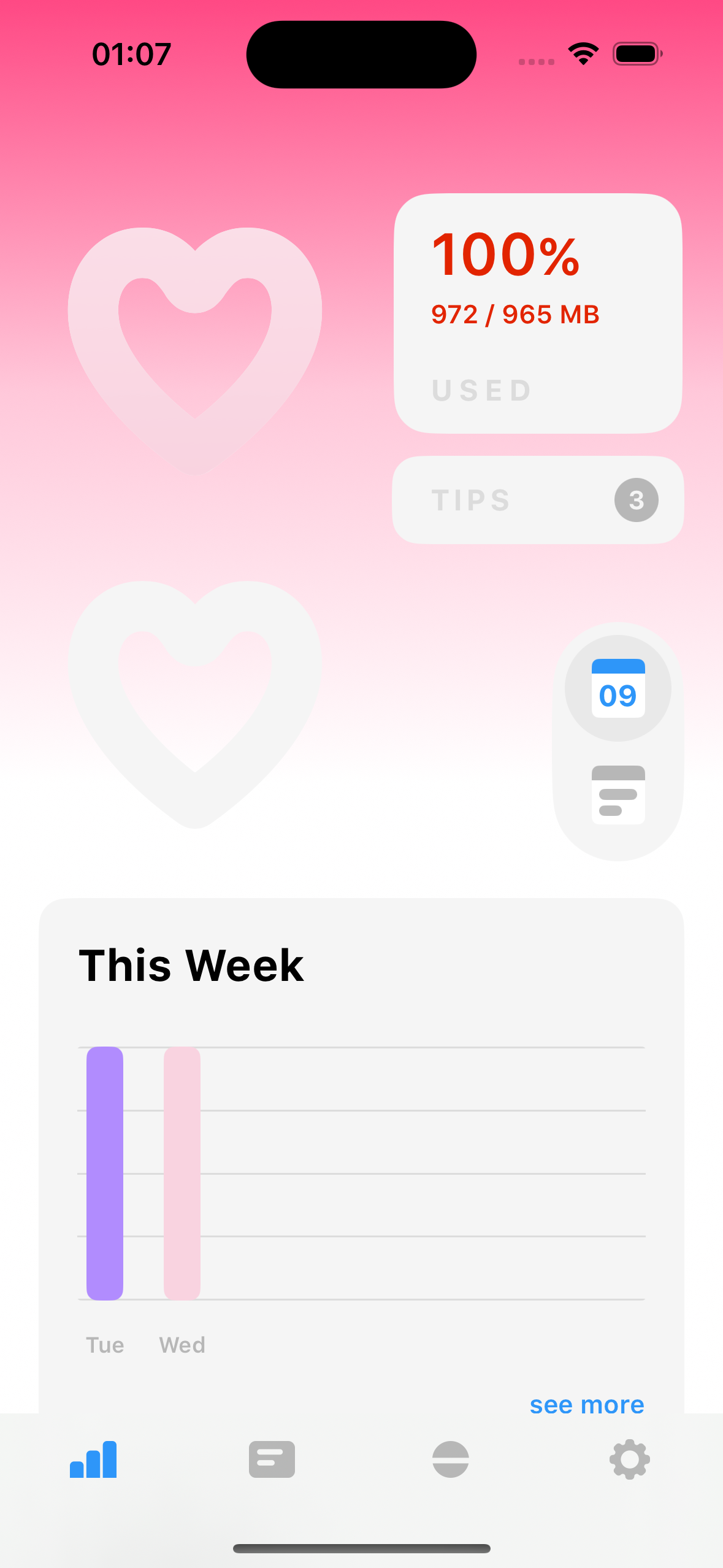
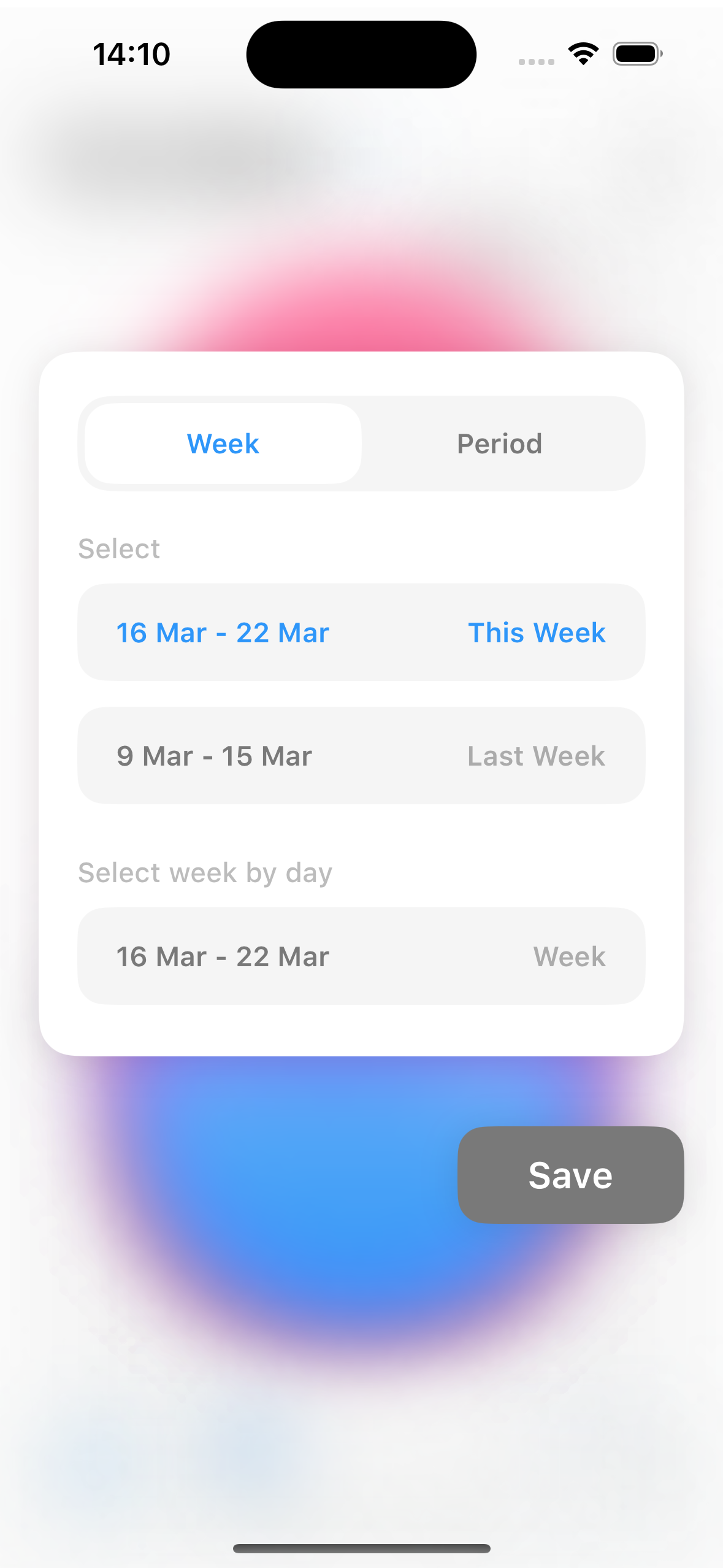
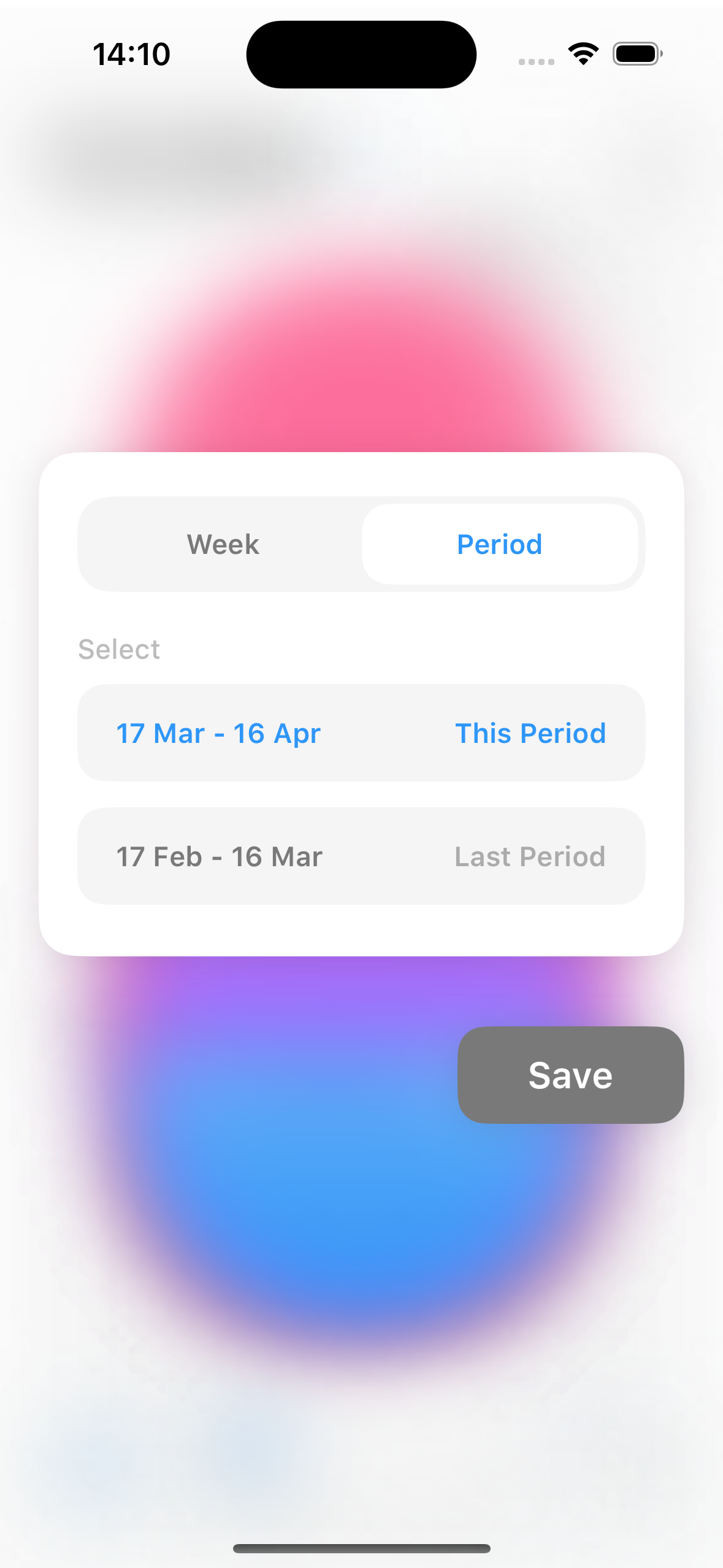
Added new cards to show This Week usage, progress and plan progress. Also change the type of period for data plan either Range or Day
More Features on Super Pill Plan 🚀
- Data Insights Card
- Customize Pill Shape and Flow
- Customize Widgets
- Customize App Icon and Accent
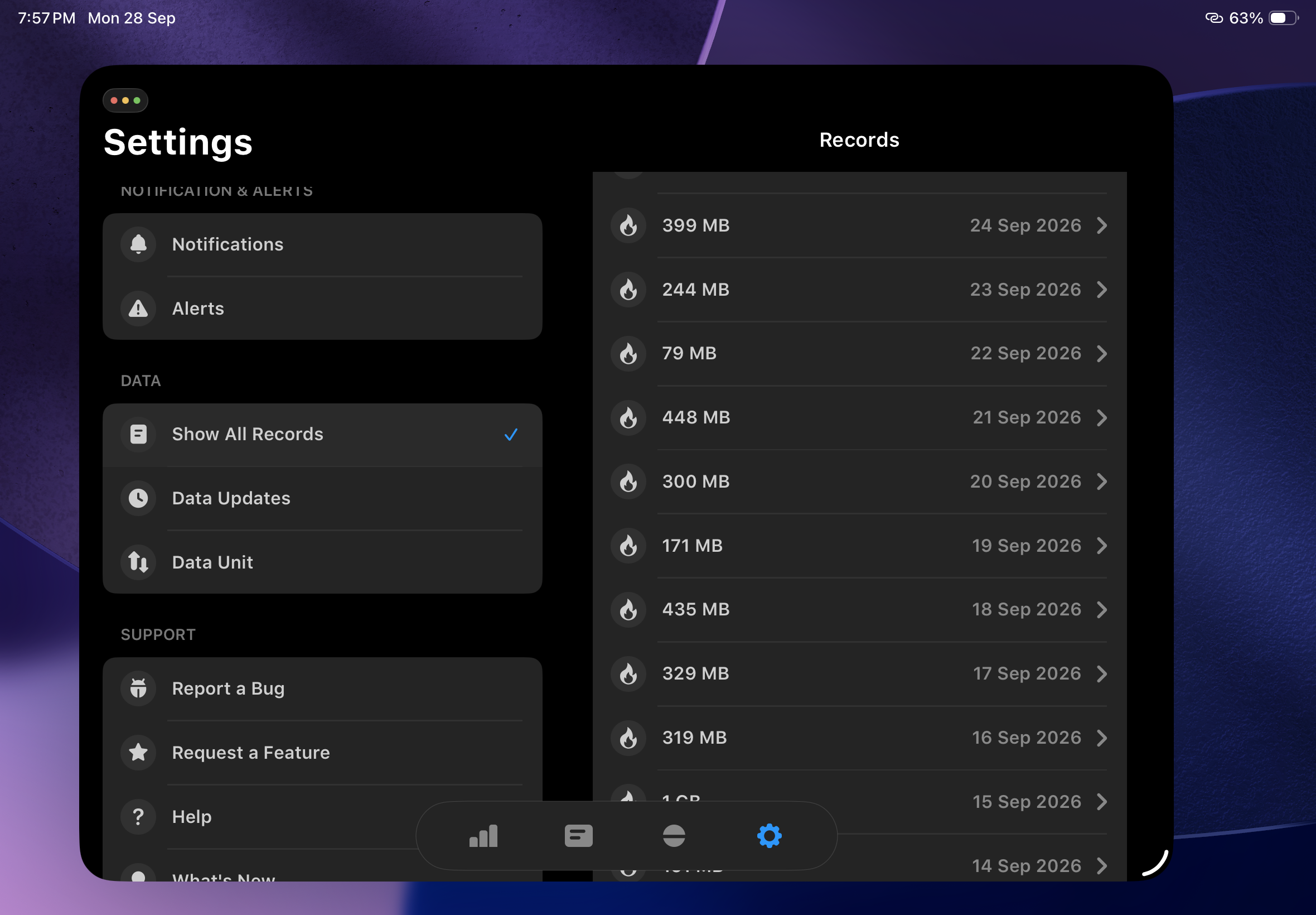
- View & Export All Data Records
Data Unit
You can now switch between GB or MB to view your data usage
Adjustable Notification Threshold
- Untracked Data Amount
- New Views for This Week's Data
- Adjustable Notification Thresholds